How to Choose a POS Display for Chain Retail Stores? A Guide to Choosing the Right POS Display
As digitalization continues to transform chain retail stores, convenience stores, restaurants, and supermarkets, cash registers have evolved from simple transaction terminals into smart devices that integrate product management, payment processing, membership services, order management, and user interaction.
Among these functions, the POS display serves as an important interface between operators and the POS system. Whether employees are scanning products, confirming orders, checking customer information, or monitoring payment status, the display directly affects checkout efficiency and the overall user experience.For chain retailers with a large number of stores, choosing a suitable POS display screen also requires consideration of long-term operation, volume purchasing, installation requirements, touch technology, and the different environments in which the equipment will be used.
A suitable POS display is not simply a matter of choosing the right size and ensuring that it can display an image. The display also needs to match the structure, operating method, and actual working environment of the complete POS system.
So, how should chain retailers choose the right POS display?
This guide explains the key factors to consider, including display size, resolution, touch technology, brightness, reliability, interface, mechanical design, and customization capabilities, helping POS equipment manufacturers and retail businesses select the right display solution more efficiently.
Why Does a Chain Retail POS System Need the Right Display?
POS systems are typically required to operate for long periods, while employees perform frequent operations such as tapping, entering information, viewing product details, and confirming transactions. The display is responsible not only for showing information but also for serving as an important human-machine interface for the entire POS system.
In supermarkets and convenience stores, cashiers need to quickly view product names, quantities, prices, and promotional information. In restaurants, the display may also be used to show tables, orders, menu items, and payment status.
If the POS display is too small, the interface can become crowded and difficult to operate. Unstable touch performance can also slow down the checkout process. Chain retailers often deploy large numbers of POS devices across multiple locations. A minor issue may not seem significant on a single device, but when hundreds or thousands of terminals are deployed, small problems can have a much greater impact on overall operations.
The right POS display should be selected according to the actual application rather than based solely on price or screen size.
What Factors Should You Consider When Choosing a POS Display?
Different types of POS equipment have different display requirements. Traditional POS terminals, touchscreen cash registers, self-checkout machines, and restaurant ordering terminals can vary considerably in terms of display size, touch technology, and mechanical design.
When selecting a POS display screen, the following factors deserve particular attention.
Choose the Right Display Size for the POS Equipment
Display size is one of the most obvious specifications to consider when selecting a POS display.
Common POS equipment may use 7-inch, 8-inch, 10.1-inch, 12.1-inch, 13.3-inch, or 15.6-inch displays. The appropriate size depends on the equipment design and how the terminal will be used.
For convenience stores with limited counter space, mobile POS devices, and compact checkout terminals, a smaller display can be a practical choice. It helps keep the overall equipment compact while still providing enough space to display product information, prices, and basic operating interfaces.
Larger supermarkets, restaurants, and smart POS systems that need to display more information may benefit from displays of 10.1 inches or larger. A larger screen provides more operating space and makes it easier for employees to view and process information quickly.
A larger display is not always a better display.
An oversized screen may increase the overall equipment size and cost while making the mechanical design more complicated. When choosing a POS display, consider the available installation space, viewing distance, operating method, and UI layout together.
Resolution Affects Display Clarity
Display size is only one part of the equation. Resolution is another important factor affecting image quality.
POS equipment needs to display product names, prices, order information, icons, and operating buttons. When the resolution is too low, text and interface elements may appear less clear, especially when smaller fonts are used.
For example, 7-inch or 8-inch POS terminals can use a resolution that matches the requirements of the user interface. Larger displays such as 10.1-inch, 12.1-inch, and 15.6-inch models can use higher resolutions to maintain clear and detailed images.
For modern smart POS devices, a high-resolution display can improve visual quality while providing more flexibility for designing intuitive operating interfaces.
Resolution should also be matched with the main control system, graphics processing capability, and overall product cost. A higher resolution is not automatically the best choice for every POS application.
Touch Function Is an Important Part of a POS Display
For touchscreen POS terminals, the display and touch panel are often best considered as an integrated solution.
Capacitive touchscreens are widely used in commercial POS equipment because they offer fast response, convenient operation, and support for multi-touch functions. They can handle common operations such as product selection, menu navigation, and numeric input.
For frequently operated POS equipment, key touch performance factors include:
- Touch sensitivity
- Touch response speed
- Multi-touch capability
- Touch accuracy
- Long-term touch stability
- Glove operation requirements
Self-checkout systems may also require additional consideration of different user habits and the durability of the screen surface.
Display Brightness Should Match the Store Environment
Most chain retail stores are indoor environments, but lighting conditions can vary significantly from one location to another.
Standard-brightness displays are generally suitable for checkout counters in convenience stores, shopping malls, and supermarkets. Equipment installed near windows, entrances, or areas with strong ambient lighting may require a higher-brightness display to reduce the impact of surrounding light on screen visibility.
POS equipment used in outdoor retail environments, mobile sales vehicles, or semi-outdoor locations may require even higher brightness.
Brightness should be selected according to the actual installation environment rather than based solely on a standard product specification. Higher brightness can also increase power consumption, so visibility, power requirements, and product cost should be considered together.
What Reliability Requirements Should You Consider for a POS Display?
Retail POS equipment differs from ordinary consumer electronics in one important way: it is often expected to operate for long periods with frequent daily use.
In supermarkets, convenience stores, and restaurants, POS terminals may run continuously for several hours during busy periods. Display stability and reliability therefore become important considerations.
Long Operating Hours
POS displays need to support long periods of continuous operation. Stable display performance can help reduce maintenance requirements and the operating costs associated with frequent equipment replacement.
Touch Durability
Cashiers may perform a large number of touch operations every day. The touch panel should provide good durability and stable performance for repeated use.
Temperature Tolerance
Different store environments can have different temperature conditions. For special applications, the LCD and related components should be selected according to the required operating temperature range.
Long-Term Supply
This is particularly important for chain retail projects. When a project requires hundreds or even thousands of displays, the product must support not only the initial production run but also future production and replacement requirements.
The supplier’s ability to maintain consistent specifications and provide stable long-term supply should therefore be considered during the selection process.
Interface and Installation Requirements Also Matter
Whether a display can be successfully integrated into a POS system depends not only on its size but also on its interface and mechanical design.
Common display interfaces include RGB, LVDS, MIPI, and eDP. The selected interface needs to match the motherboard and main control platform.
When choosing a POS display, confirm the following:
- Whether the display interface matches the motherboard
- Whether the FPC position fits the equipment structure
- Whether the mounting holes match the mechanical design
- Whether the overall dimensions fit the available space
- Whether the display thickness meets the structural requirements
- Whether the touch interface is compatible with the main control system
These parameters should be confirmed early in the project. Even when the display performance meets the requirements, mechanical or interface incompatibility can prevent the panel from being integrated directly into the final equipment.
Why Should Chain Retail Projects Consider Customization?
For standard consumer products, an off-the-shelf display may already meet the requirements. For POS equipment manufacturers, retail equipment companies, and brands with their own hardware designs, however, standard displays may not always provide the right combination of specifications.
A POS system may require:
- A specific display size
- A specific resolution
- A customized FPC
- A specific touch solution
- Customized mounting holes
- Customized cover glass
- Anti-glare surface treatment
- Higher brightness
- A specific interface
- Customized logos or mechanical structures
In these situations, a custom POS display can help equipment manufacturers better match their own product structure and functional requirements.
How to Choose a POS Display for Different Retail Applications?
Different retail applications have different display priorities.
| Application | Key Display Features to Consider |
|---|---|
| Convenience Store POS | Compact size, stable touch performance, clear display |
| Supermarket POS | Larger display area, comfortable touch experience, long-term stability |
| Restaurant POS | Fast touch response, high reliability, easy operation |
| Self-Checkout Machine | Large touchscreen, higher brightness, good durability |
| Mobile POS | Compact size, low power consumption, slim design |
| Unmanned Retail Equipment | Touch operation, stable performance, customized structure |
| Smart Vending Equipment | Clear display, wide operating temperature range, reliability |
| Commercial Self-Service Terminal | Large size, high resolution, interactive touch |
Defining the final application scenario at the beginning of the project can make it easier to determine the appropriate display specifications.
How to Choose a Reliable POS Display Supplier?
A suitable supplier should provide more than products that meet the required specifications. Stable manufacturing capabilities, quality control, and long-term supply capacity are also important.
Product Development Capabilities
Check whether the supplier can provide different display sizes, resolutions, interfaces, and touch solutions according to equipment requirements.
Customization Capabilities
If the project requires customized FPCs, cover glass, touch panels, or mechanical structures, the supplier should have the necessary R&D and engineering capabilities.
Quality Control
The display is one of the key human-machine interface components of a POS system. The supplier should have established production and testing processes to maintain consistent product quality.
Mass Production Capability
Chain retail projects often involve long-term and high-volume purchasing. The supplier’s production capacity and supply stability should be evaluated before the project enters mass production.
Project Experience
Suppliers with experience in POS systems, retail terminals, self-service equipment, and similar applications are generally better positioned to understand practical project requirements and reduce communication and development time.
Recommended HOTHMI POS Display Solutions
7-inch TFT LCD Display with Capacitive Touch
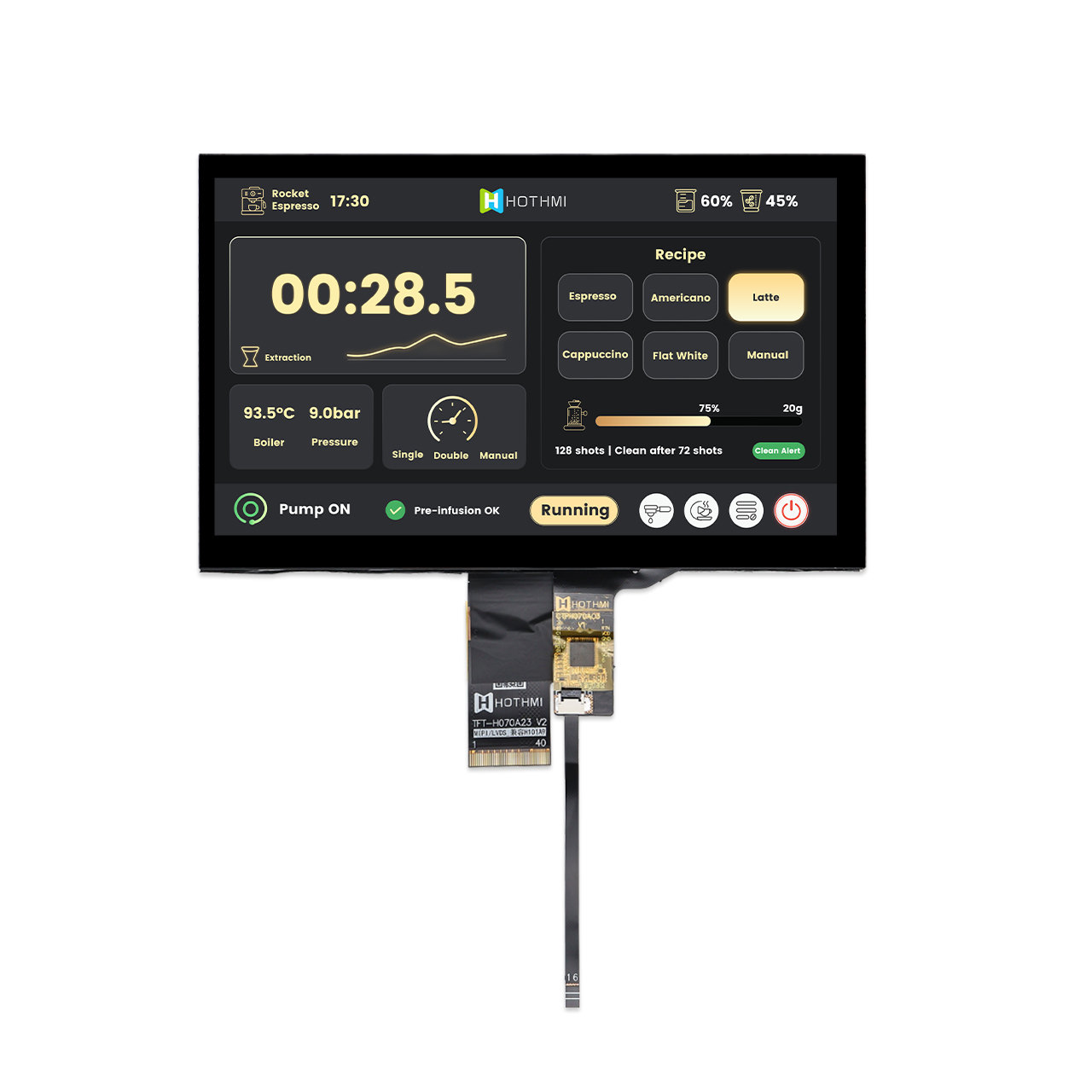
Model: TFT-H070A23WSIJD6C40
Key Features:
- 7-inch TFT LCD
- 1024 × 600 resolution
- 650 cd/m² brightness
- IPS display with wide viewing angle
- LVDS/MIPI interface
- GT911 capacitive touch
- -20°C to +70°C operating temperature
Designed for compact commercial and interactive equipment, this 7-inch display combines a compact form factor, capacitive touch, and flexible interface options for easy system integration. It is well suited for small POS terminals, convenience store checkout systems, restaurant ordering terminals, and other compact retail devices.
10.1-inch Sunlight Readable TFT LCD Display
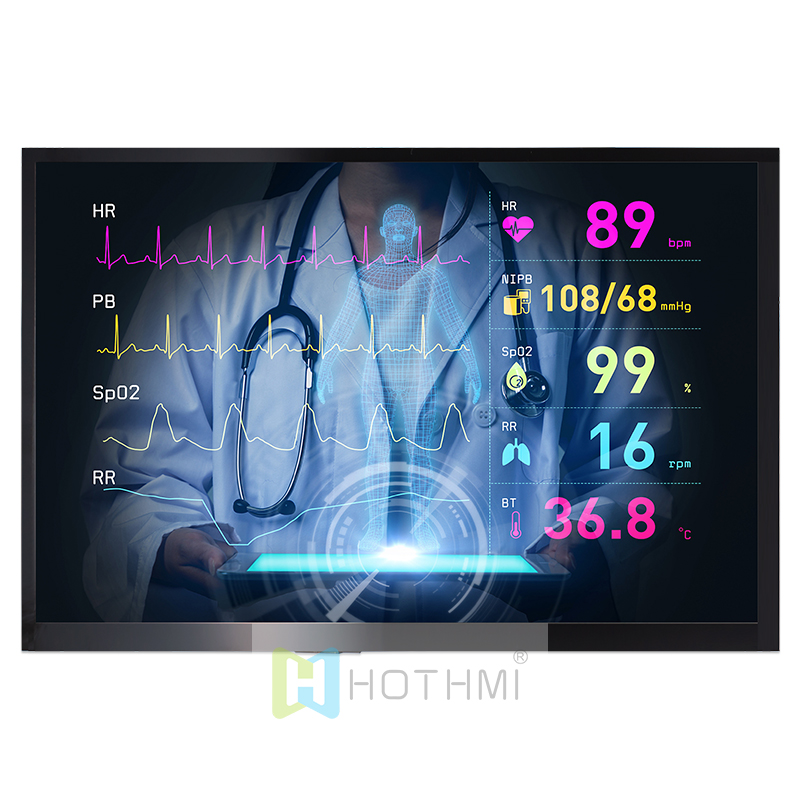
Model: TFT-H101D13WXIWZKN40
Key Features:
- 10.1-inch TFT LCD
- 1280 × 800 resolution
- 1000 cd/m² brightness
- LVDS interface
- Slim 4.7 mm design
- -20°C to +70°C operating temperature
Designed for applications that require a larger interactive display and excellent visibility, this 10.1-inch LCD combines high brightness with a slim design for flexible integration into commercial equipment. It is well suited for smart POS systems, retail checkout terminals, self-service kiosks, restaurant ordering systems, and other commercial display applications.
15.6-inch High-Brightness LCD Monitor Panel
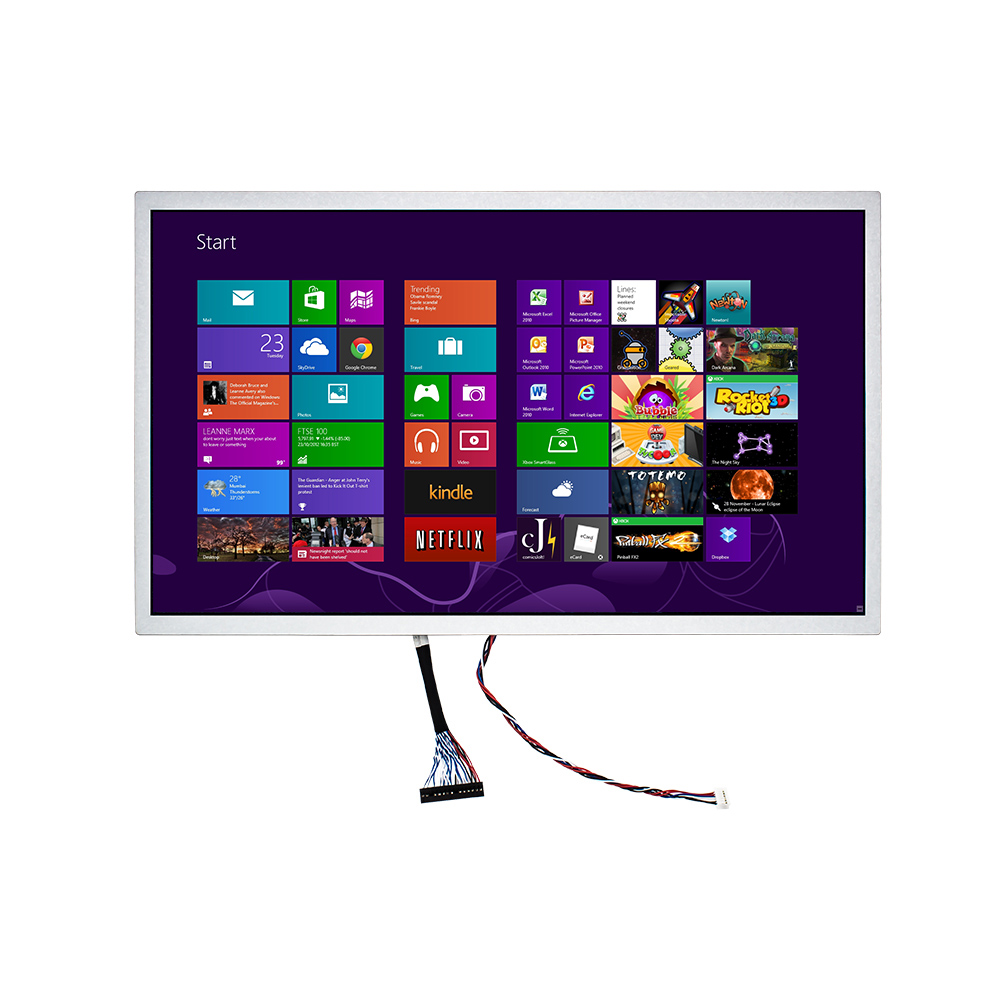
Model: TFT-H156FHDIKN30-LVDS
Key Features:
- 15.6-inch TFT LCD
- 1920 × 1080 resolution
- High-brightness backlight
- Full viewing angle
- LVDS 48-bit interface
- -30°C to +85°C operating temperature
- Optional capacitive touch panel
Designed for large-format interactive and self-service equipment, this 15.6-inch display provides high resolution, high brightness, and a wide operating temperature range for demanding applications. It is well suited for large POS terminals, self-checkout kiosks, retail self-service equipment, industrial terminals, and other commercial display systems. The display also supports customized capacitive touch solutions for different equipment designs.
Conclusion: How Do You Choose the Right POS Display?
There is no single display specification that can meet the requirements of every retail POS system.
For chain convenience stores, supermarkets, restaurants, and self-service retail terminals, a more practical approach is to start with the actual application and evaluate display size, resolution, touch technology, brightness, interface, mechanical design, reliability, and long-term supply capability together.
For touchscreen equipment, touch sensitivity and durability deserve particular attention. For projects involving large numbers of retail locations, product consistency and long-term supply should also be evaluated.
For equipment with special structural or functional requirements, working with a display supplier that offers customization capabilities can make it easier to integrate the display into the overall product design.
Ultimately, a good POS display should not only be easy to see. It should also be easy to operate, easy to integrate, reliable in long-term use, and consistently available for future production.
Looking for a Display for Your Retail POS System?
HOTHMI provides customized TFT LCD, LCD, and touch display solutions for a wide range of commercial and retail applications. From display size and resolution to touch technology, interface, and mechanical design, display solutions can be configured according to the requirements of the final device.
Contact HOTHMI to discuss your retail display requirements and find a suitable display solution for your project.