Display Development Kit: Category Specifications
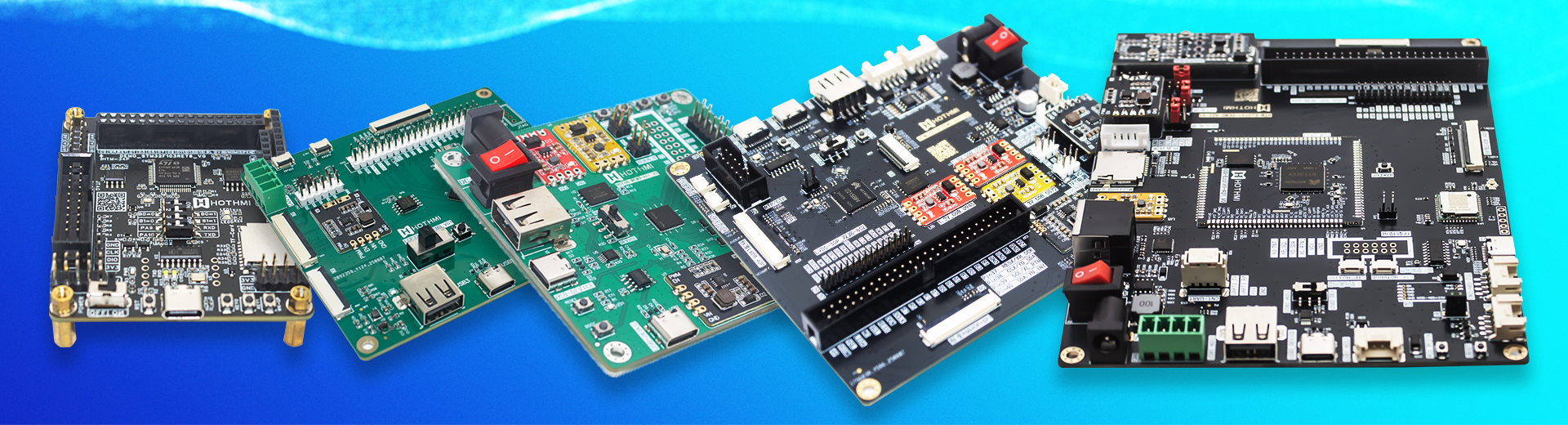
The Display Development Kit (DDK) is a one-stop hardware and software solution designed for the R&D, testing, and validation of display modules and screens. Its primary goal is to lower the barrier to entry for display development by enabling rapid driver implementation, functional verification, interface adaptation, and prototyping. These kits cover all display development needs, from consumer electronics to industrial equipment .
Showing all 12 results
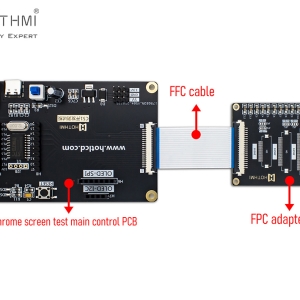
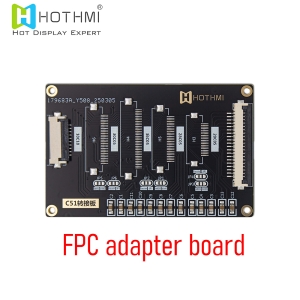
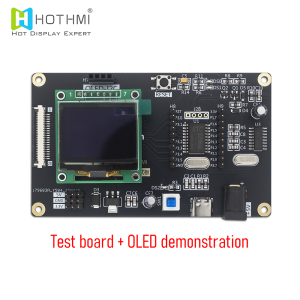
-300x300.jpg)
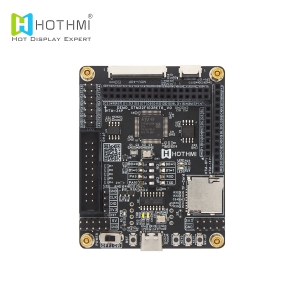
Core Development Board Classification Details
1. C8051 Development Board
An entry-level display driver development board based on the C8051 series 8-bit MCU. It is the preferred low-cost, beginner-friendly solution .
Core Features: Integrated high-performance C8051F series 8-bit MCU; supports low-speed interfaces (SPI, I2C); reliably drives small TFT-LCDs (1.3″–3.5″), OLEDs, and segment LCDs.
Resources: Comprehensive driver libraries, sample code, development environments, and tutorials for rapid debugging.
Use Cases: Smart wearable panels, low-cost home appliances, and simple display prototyping .
2. STM32 Development Board
An industrial-grade universal master development board. As the industry standard for display development, it covers a wide range of application scenarios .
Core Features: Based on the full STM32 range (F0/F1/F4/F7/H7); supports all interface types (SPI, I2C, RGB, LVDS, MIPI); drives everything from 1.3″ small screens to 10.1″+ industrial wide-temperature displays.
Resources: STM32CubeMX tools, robust HAL libraries, and massive community support; compatible with major driver ICs like ST7789V and ILI9341.
Use Cases: Industrial control terminals, automotive displays, smart home panels, medical equipment, and high-end consumer electronics .
3. ESP32 Development Board
A wireless master development board with integrated WiFi/Bluetooth, customized for IoT smart display scenarios .
Core Features: Dual-core 32-bit MCU with built-in 2.4G WiFi and Dual-mode Bluetooth; supports SPI, I2C, and RGB interfaces; drives TFT-LCD, E-Ink (e-paper), and OLED modules.
Resources: ESP-IDF framework, Arduino ecosystem support, and wireless communication libraries for cloud interaction.
Use Cases: IoT smart panels, wireless data terminals, Electronic Shelf Labels (ESL), and low-power portable displays .
4. EzUI Development Board
A dedicated board optimized for Graphical User Interface (GUI) development, significantly reducing the complexity of UI design .
Core Features: Built-in EzUI graphics acceleration engine and hardware rendering; supports high-resolution color screens and capacitive touch; provides visual UI design tools for “no-code” animation and interaction.
Resources: EzUI graphics platform, complete UI component libraries, touch driver solutions, and rapid prototyping tools.
Use Cases: Smart appliance UIs, Industrial HMI (Human-Machine Interface), and automotive infotainment systems .
Selection Guide: Choosing the Right Kit
1. Rapid Selection by Requirement
| Scenario | Key Selection Factors | Recommended Solution |
| Beginner / Education | Low cost, rich documentation, easy to start | C8051 / Entry-level STM32 |
| IoT / Wireless Display | Built-in WiFi/BT, Low power consumption | ESP32 Development Board |
| Industrial / Mass Prod. | High stability, full interface support | Mid-to-High end STM32 (F4/F7/H7) |
| Complex UI / HMI | Graphics acceleration, visual design | EzUI Development Board |
| Small Screens (SPI/I2C) | Low-speed interface, cost-effective | C8051 / Entry STM32 / ESP32 |
| Large High-speed Screens | RGB/LVDS/MIPI support, high performance | High-end STM32 / EzUI |
2. Key Selection Metrics
- MCU Compatibility: Match the kit to your final mass-production MCU to avoid porting costs.
- Interface Matching: Ensure the board supports the specific driver IC (e.g., ST7789V, NT35510).
- Software Ecosystem: Prioritize kits with mature libraries and active community resources.
- Performance Scaling: Choose processing power based on resolution and UI complexity.
- Cost Control: Use low-cost kits for hobby projects and industrial-grade boards for commercial products.
Frequently Asked Questions (FAQs)
Q1: Can these kits be used directly for mass production?
A: No. They are prototyping tools for verifying drivers and UI logic. Mass production requires custom PCBs and reliability testing (EMC, etc.).
Q2: Are different master boards interchangeable?
A: No. Architectures and pin definitions differ. Code must be ported, though some hardware adapters may be reused.
Q3: Do I need to write my own drivers?
A: For mainstream ICs (ST7789V, etc.), open-source libraries are provided. Custom/rare ICs will require coding based on the datasheet.
Q4: Can one kit drive all types of screens?
A: No. It is limited by the interface (e.g., SPI boards only handle small screens; RGB/MIPI boards are needed for high-res industrial displays).
Q5: What software is included?
A: Standard kits include IDEs, driver libraries, sample code, and manuals. Specialized kits like EzUI include visual “no-code” design tools.