Description
Product Introduction and Core Specifications of 1602 LCD Display
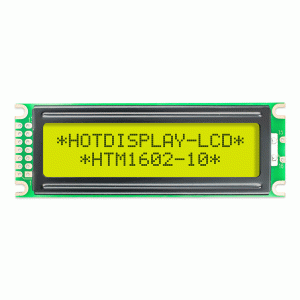
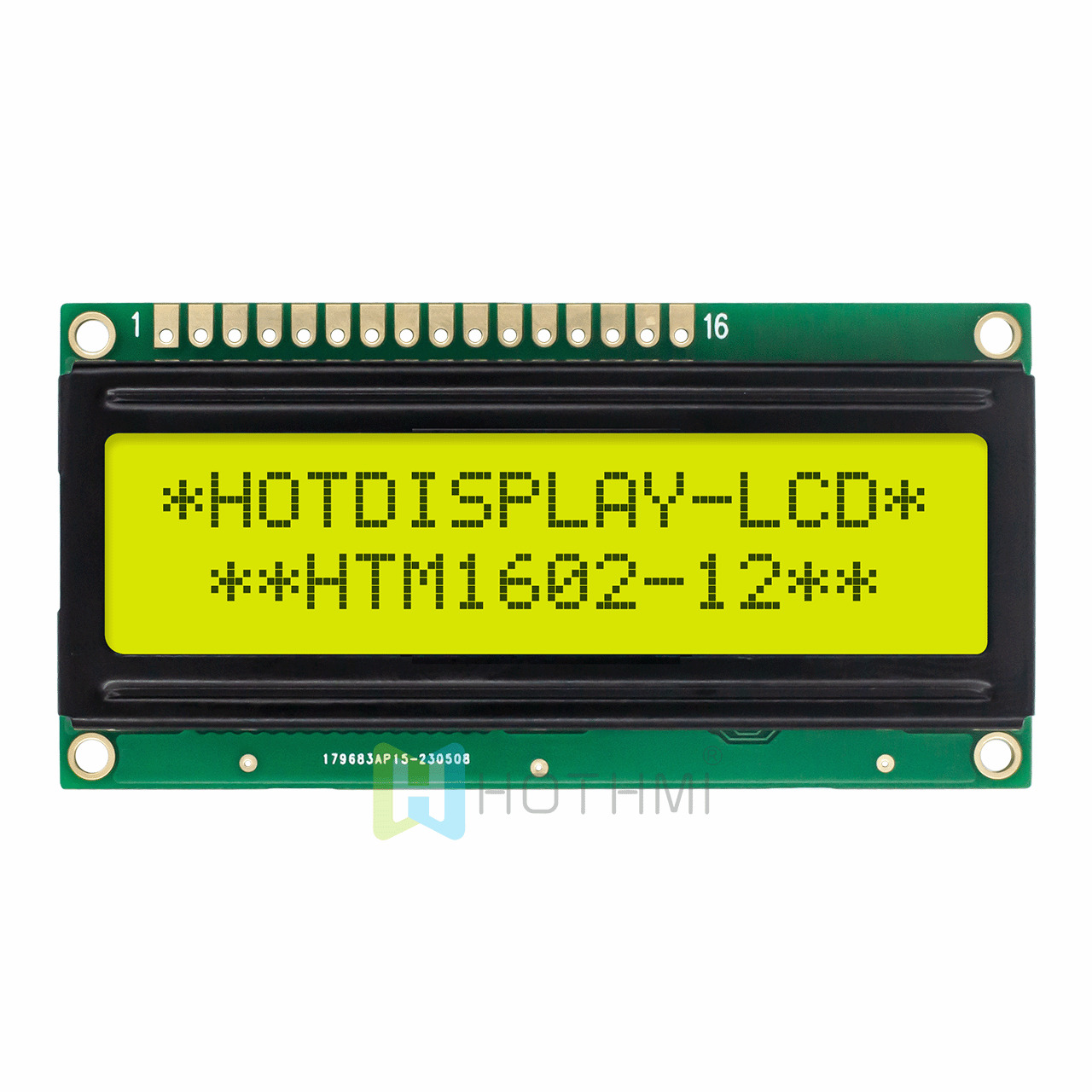
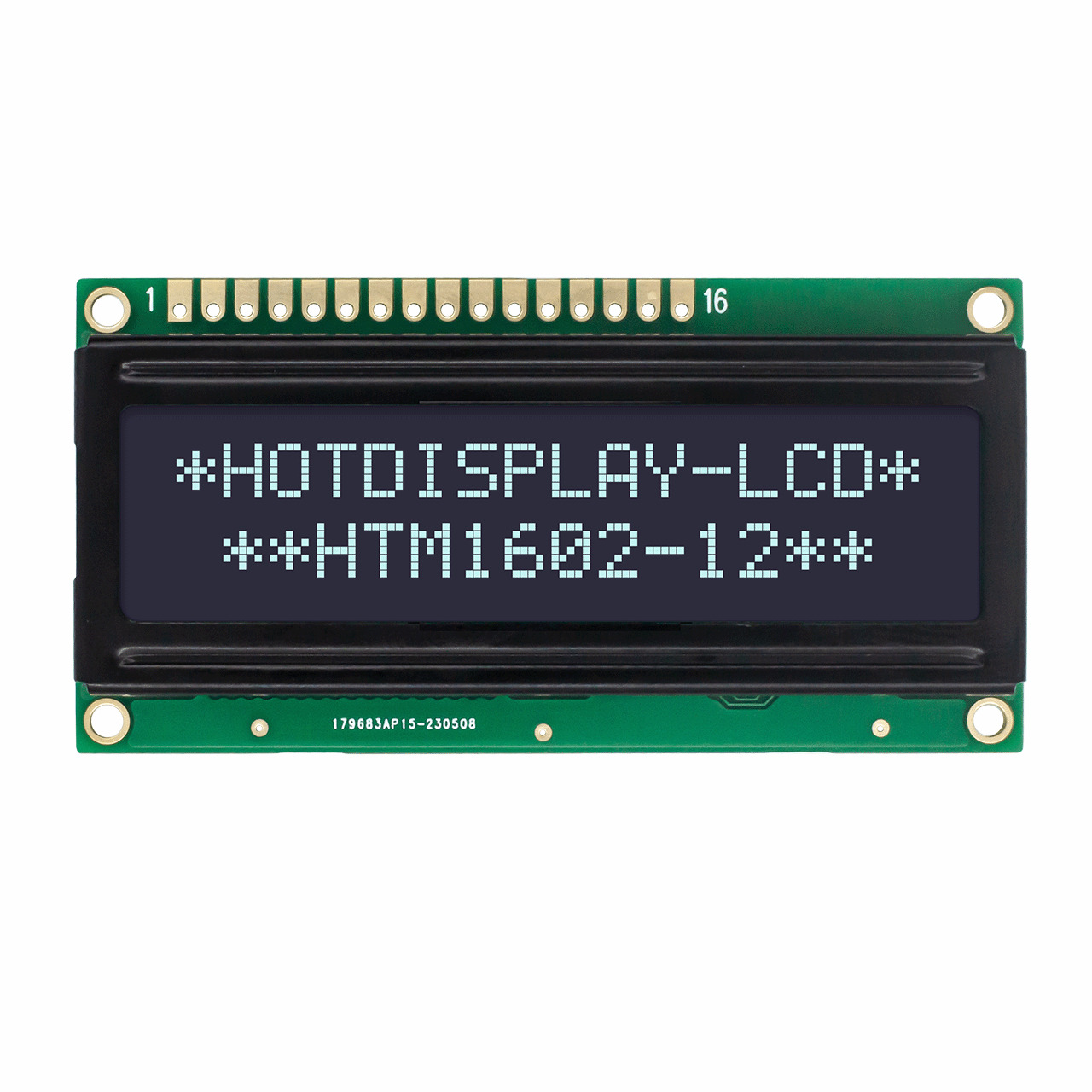
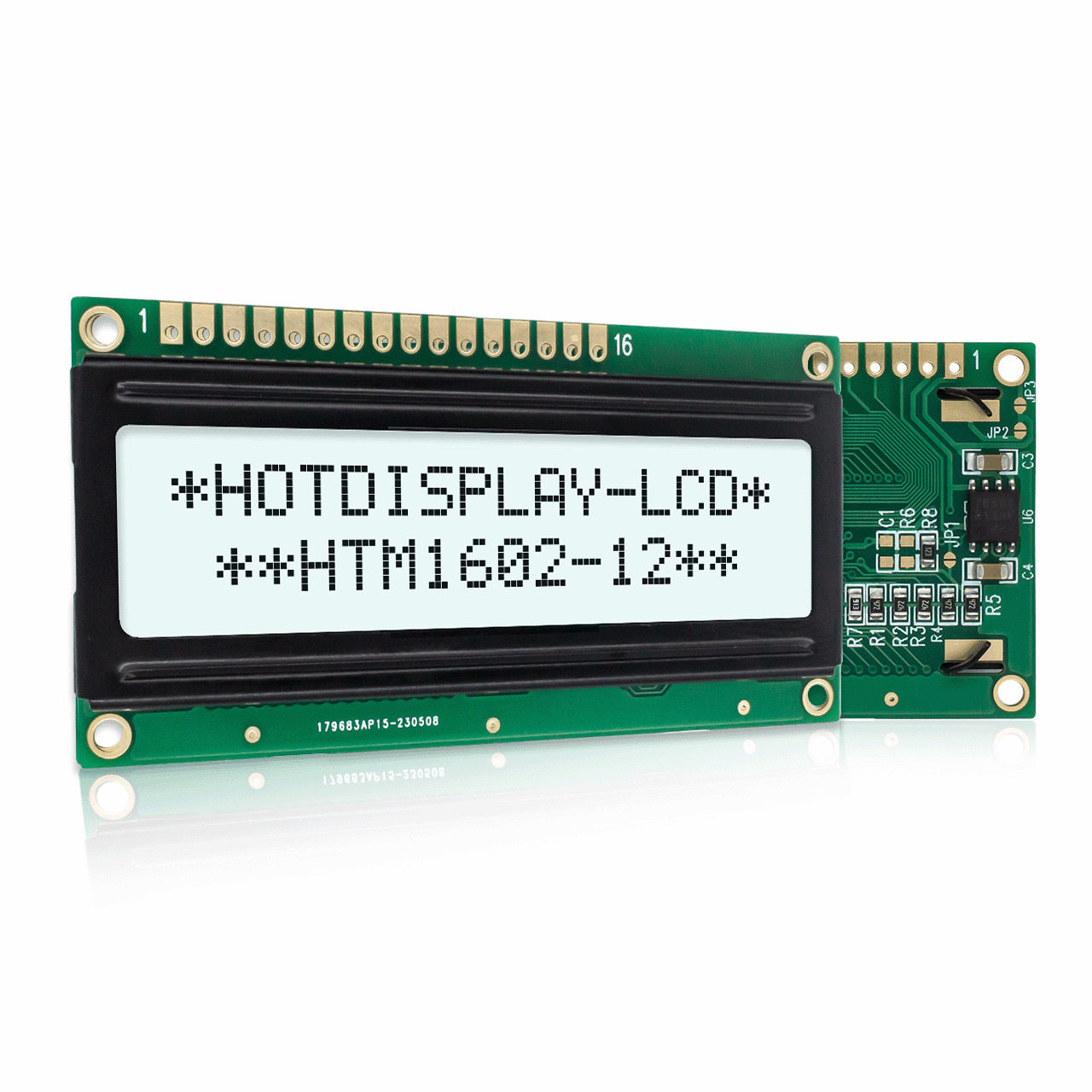
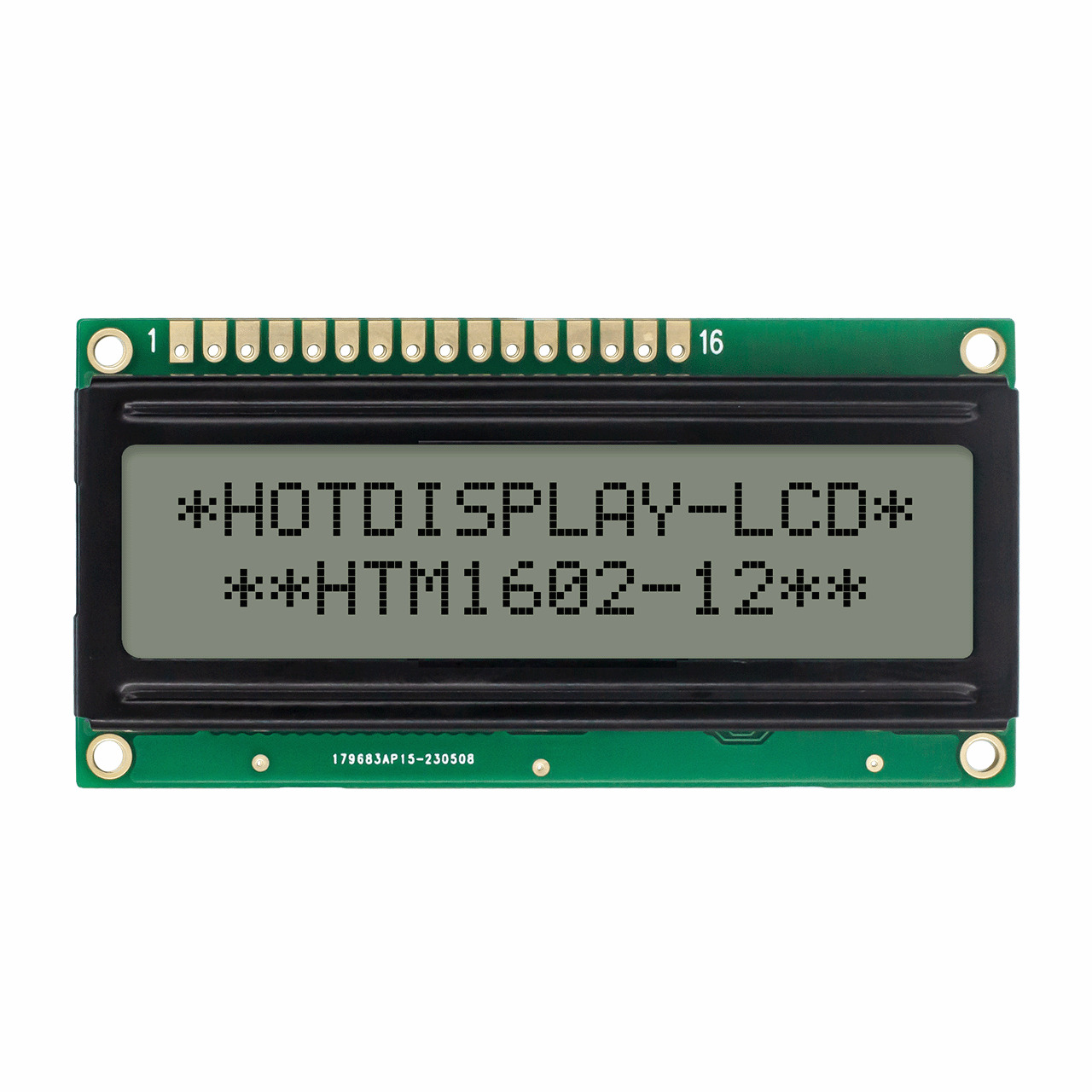
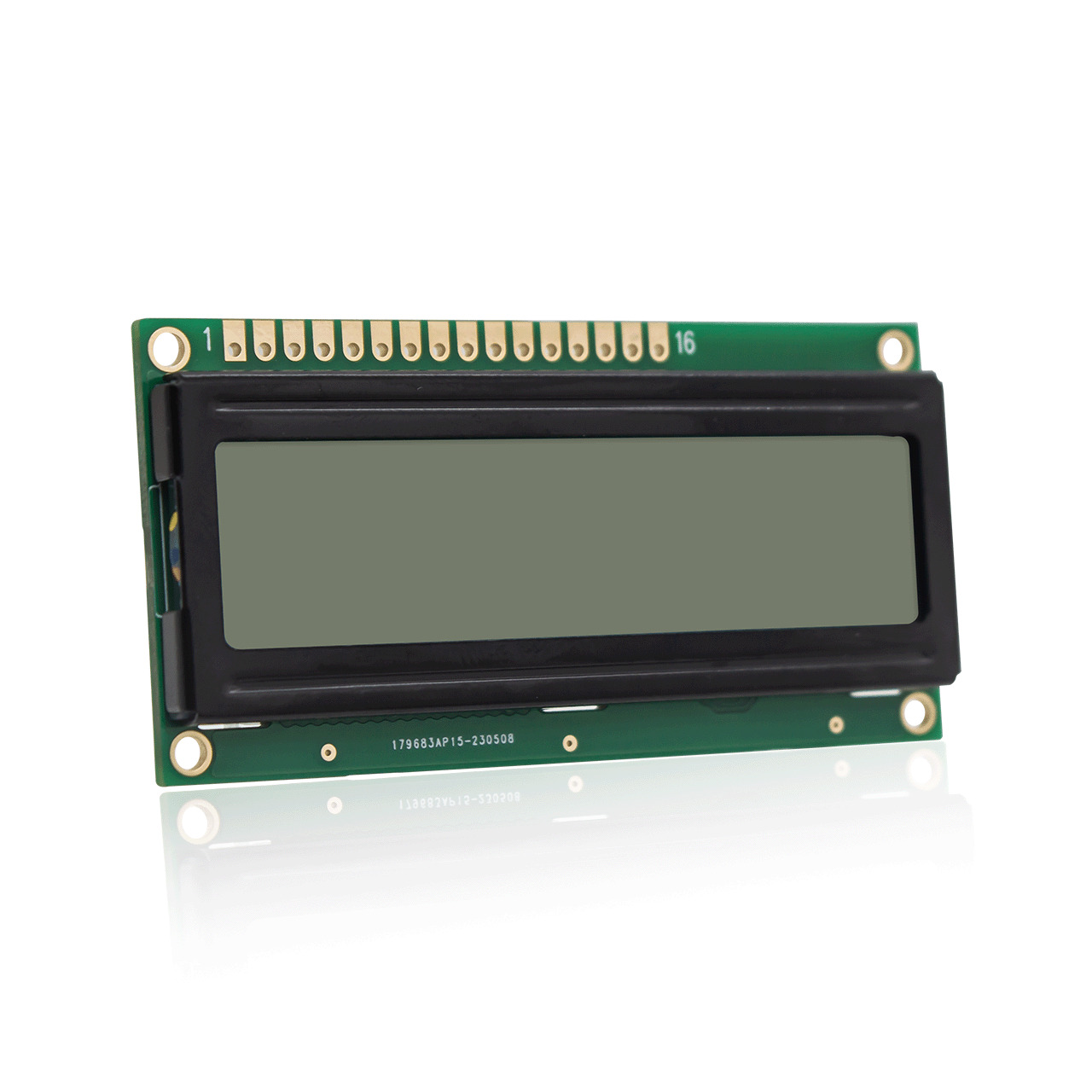
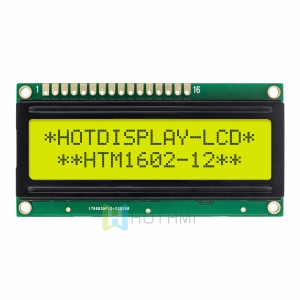
The 1602 LCD Display is a yellow-green (STN-YG) liquid crystal display module that shows two lines with 16 characters each. It uses a standard character array layout, where each character is formed by a 5×8 dot matrix. This display supports English letters, numbers, common punctuation, and some custom symbols.
Mechanical Dimensions and Physical Structure
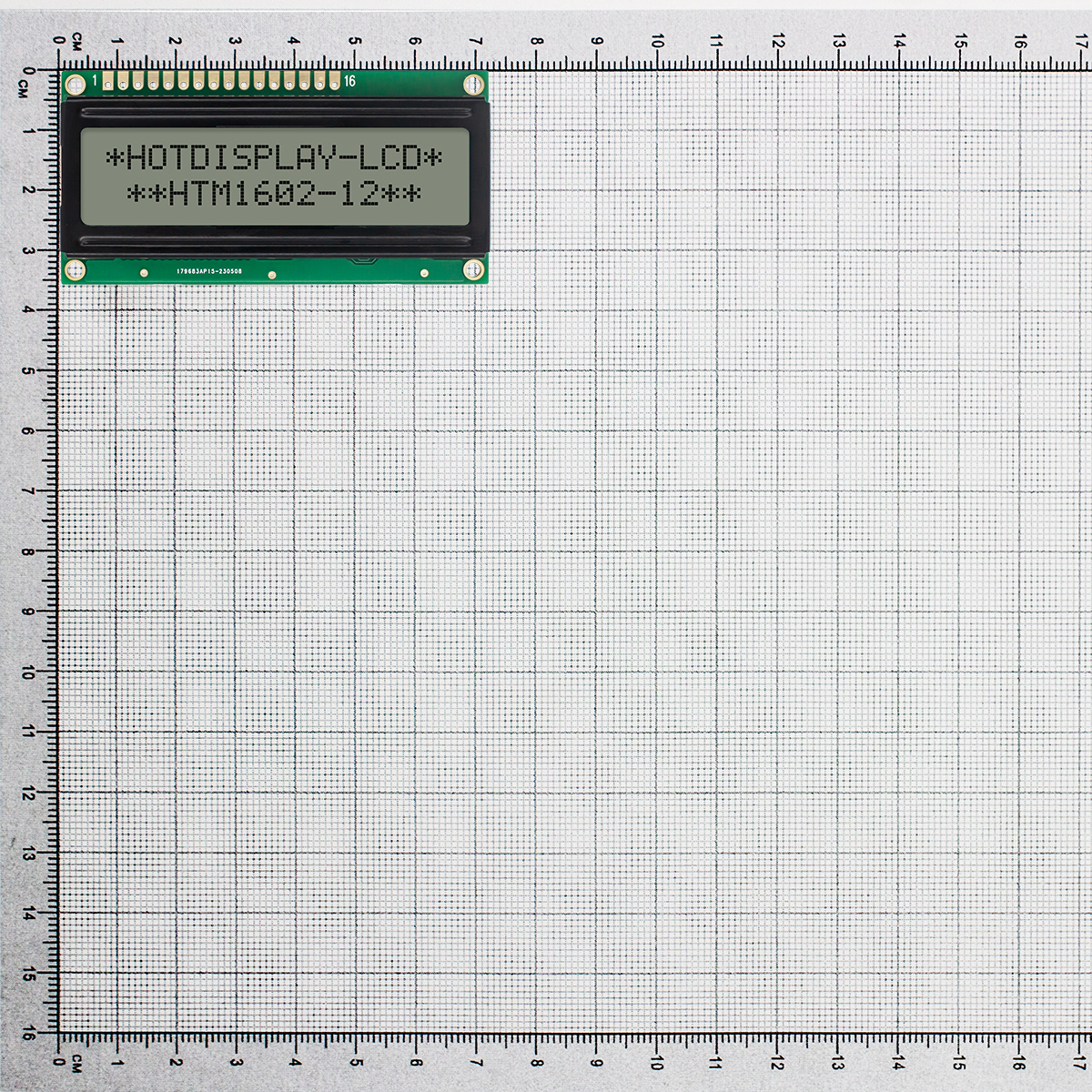
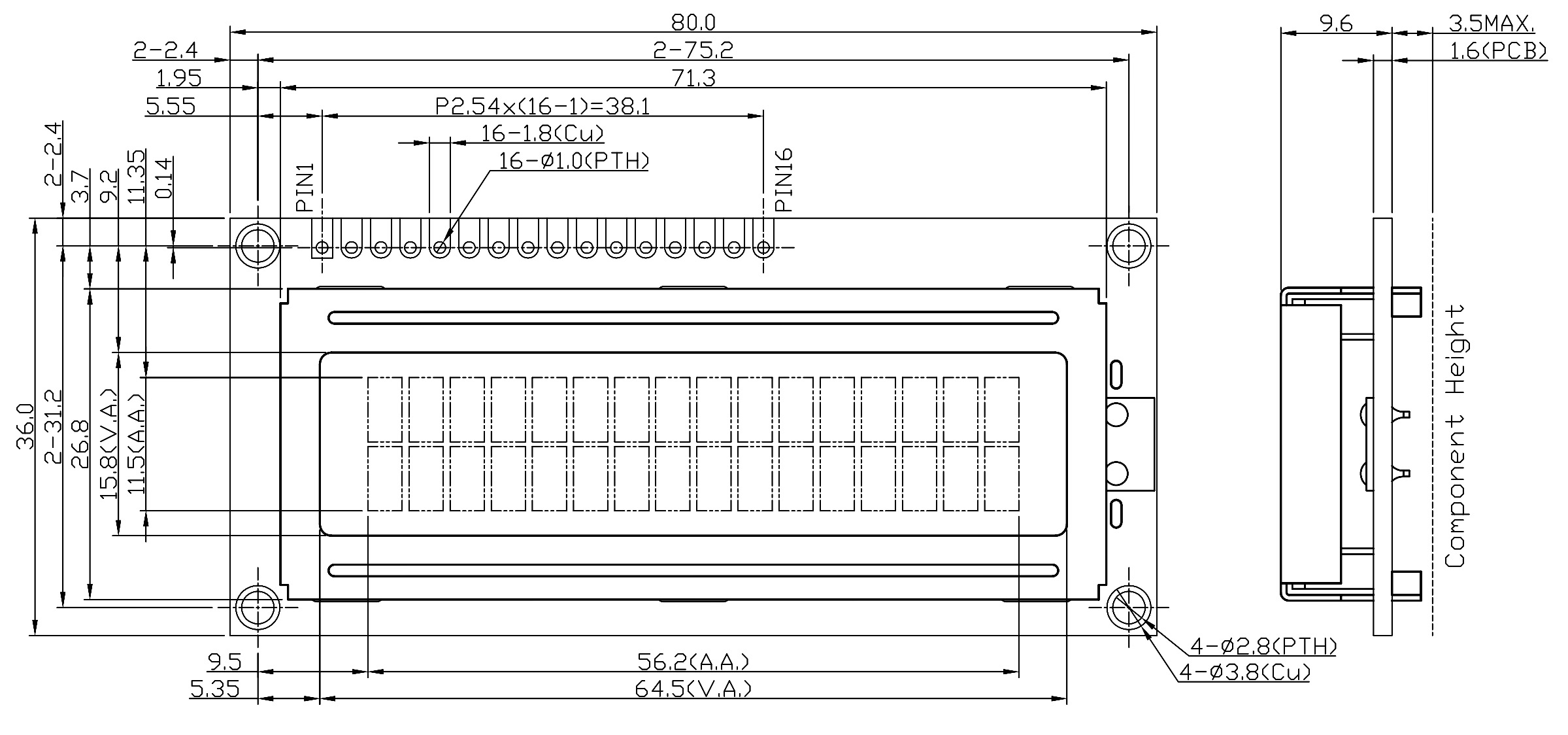
- Module width: 80.0 mm, height: 36.0 mm, PCB thickness: 1.6 mm, total thickness including back components: up to 14.7 mm.
- Four mounting holes with a diameter of 2.8 mm (copper pad outer diameter 3.8 mm), hole spacing 75.2 mm × 31.2 mm.
- Display window (V.A.): 64.5 mm × 15.8 mm; active area (A.A.): 56.2 mm × 11.5 mm, containing a 16×2 character matrix.
- 16 standard pins (PIN1 to PIN16) with 2.54 mm pitch, total spacing 38.1 mm. Pin hole diameter 1.0 mm, copper foil outer diameter 1.8 mm. PIN1 is 5.55 mm from the left mounting hole center.
Optical and Electrical Characteristics
- LCD type: STN-YG (yellow-green), positive type (bright background, dark characters), transflective (works with backlight or ambient light).
- Viewing direction: 6 o’clock (optimal for looking down or directly at the screen).
- Duty: 1/16, Bias: 1/5 – ensures good contrast and refresh rate.
- Operating voltage: 5.0V, compatible with most 5V microcontroller systems.
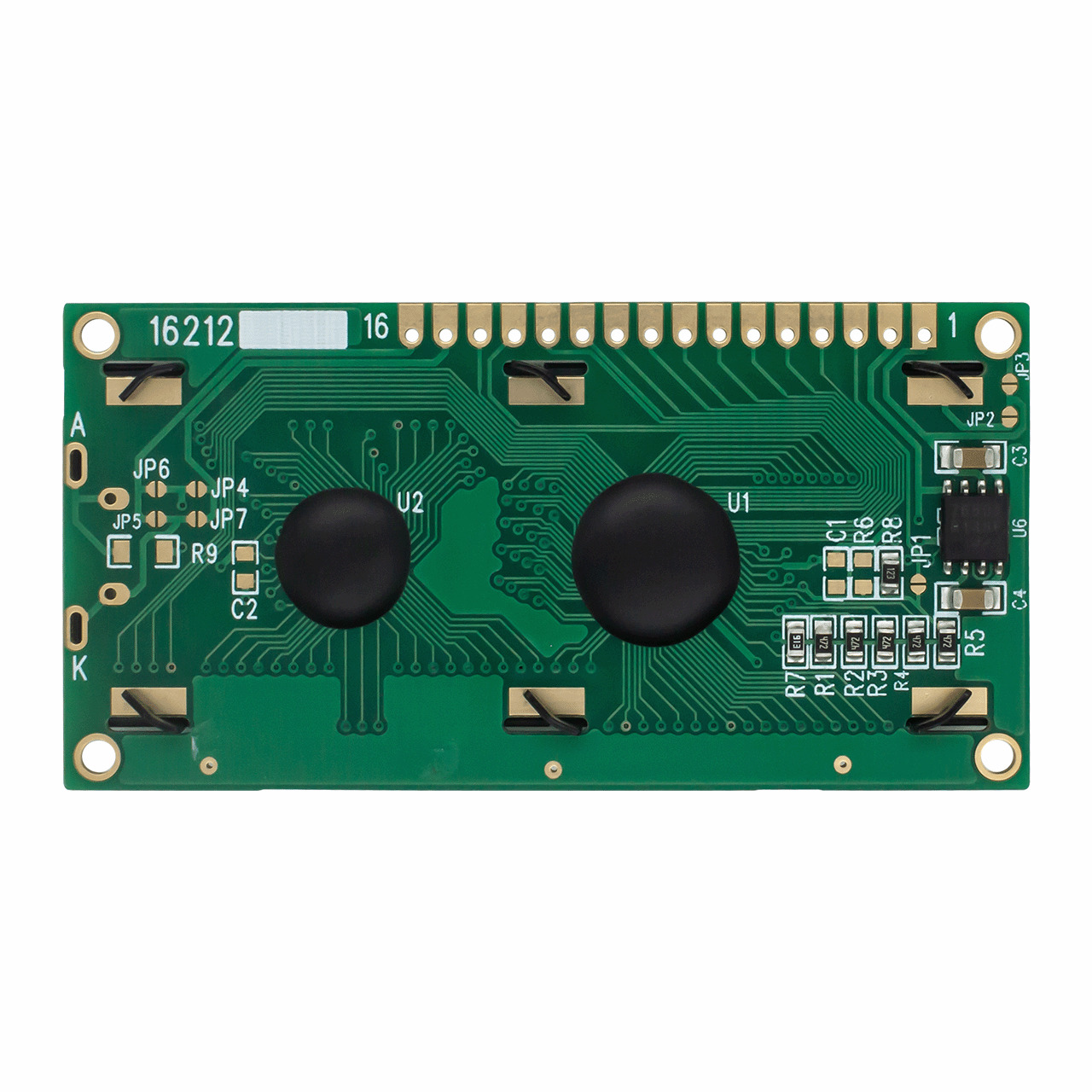
- Backlight: yellow-green LED, arranged in 4 parallel groups with series LEDs inside.
- Interface:ST7066U
16-Pin Pin Assignment (Standard 2.54mm pitch)
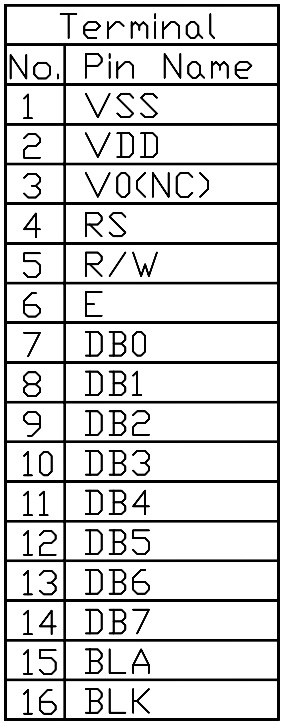
The 1602 LCD Display follows the industry standard 16-pin interface. Pin functions include: VSS (GND), VDD (5V power), V0 (contrrast adjust), RS (register select), R/W (read/write), E (enable), DB0-DB7 (data bits), A (anode for backlight), K (cathode for backlight).
Key Advantages of the 1602 LCD Display
- High cost-effectiveness and mature supply chain: mass-produced, low cost, easily replaceable.
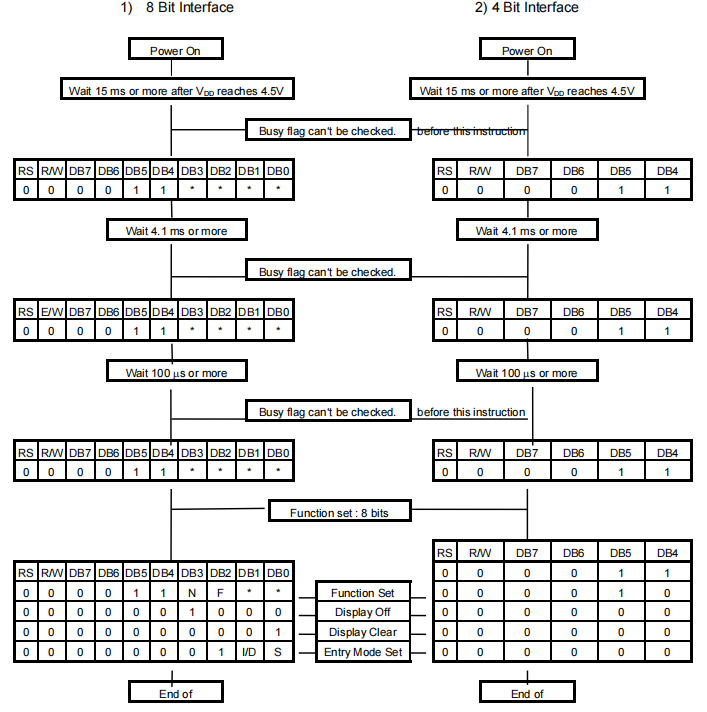
- Dual parallel interface modes: supports 8-bit or 4-bit parallel mode. In 4-bit mode, only 6 GPIO pins are needed.
- Easy I2C adapter integration: with a PCF8574-based I2C backpack, only GND, VCC, SDA, SCL are required.
- Excellent readability in sunlight: transflective STN technology reflects ambient light, so the display remains visible even without backlight outdoors.
- Large software ecosystem: compatible with Arduino LiquidCrystal, Raspberry Pi, STM32, 8051, MicroPython – mature open-source drivers available.
Typical Applications of 1602 LCD Display
- Smart home and environmental monitoring (temperature, humidity, air quality, meter readings).
- Industrial control and automation (counters, machine status displays, PLC extensions).
- Network and IoT devices (router status, IP display, gateway monitors).
- Education and DIY projects (digital clocks, ultrasonic rangefinders, password locks, weighing scales).
- Laboratory equipment (adjustable power supplies, simple oscilloscopes, battery testers).
FAQ for 1602 LCD Display
Q1: Can the 1602 LCD work with a 3.3V system (ESP32, STM32, Raspberry Pi Pico)?
A1: The standard operating voltage is 5.0V. Running VDD at 3.3V may result in very low contrast and unreadable text. If you power the LCD with 5V but use 3.3V logic for data lines, it often works because 3.3V meets 5V TTL high-level threshold (typically 3.0V or higher). However, do not use read mode (keep R/W grounded), otherwise the LCD may output 5V and damage 3.3V MCU pins. The safest solution is to use an I2C adapter board, often with built-in level shifting, or add an external level shifter on the I2C bus.
Q2: Can the 1602 LCD Display show Chinese characters or custom symbols?
A2: The built-in CGROM typically contains ASCII, numbers, punctuation, and some Greek or Japanese characters – it does not support complex Chinese characters. However, you can create up to 8 custom characters (5×8 dots) in CGRAM. Define each character with an 8-byte array, write it to CGRAM, then use lcd.write(code) to display custom icons like a battery or thermometer. Very simple Chinese characters may be possible, but not full Chinese text.
Q3: How to send data in 4-bit parallel mode? Why does the screen sometimes show garbled text?
A3: In 4-bit mode, send the high nibble (DB7-DB4) first, then the low nibble (DB3-DB0). Each nibble is latched by a high-to-low pulse on the E pin. Garbled text often results from timing misalignment – if one nibble pulse is missed, all subsequent data becomes misaligned. Best practice: avoid frequent re-initialization, add sufficient delays. Normal commands need about 40 µs, but Clear Display and Return Home need up to 1.52 ms. Sending commands too fast can cause instruction loss and garbled output.
Q4: Why does the 1602 LCD Display become very slow or fade in extreme cold or heat?
A4: Liquid crystal properties are temperature-sensitive. In cold conditions (near or below 0°C), viscosity increases, response time slows dramatically, causing ghosting and slow refresh. In high heat (above 50°C), threshold voltage shifts, contrast drops even at maximum adjustment. To maintain contrast across temperature, add an NTC thermistor compensation circuit to V0. For extreme environments, choose an industrial wide-temperature (-20°C to 70°C) or ultra-wide-temperature 1602 LCD Display.