Description
Detailed Introduction to 16 by 2 LCD Display
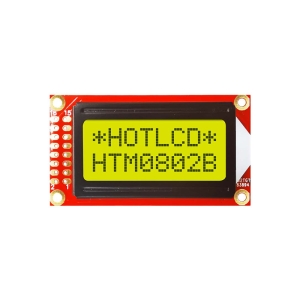
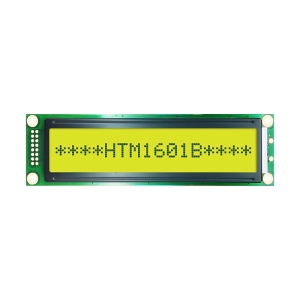
In the fields of embedded development and industrial display, the 16 by 2 LCD Display (commonly known as the 1602 LCD module) has maintained its position as a go-to display component due to its high cost-effectiveness, mature ecosystem, and ease of integration. This guide provides an in-depth look at the standard 1602 character LCD module manufactured by HOTHMI.
Product Overview: What is a 16 by 2 LCD Display?
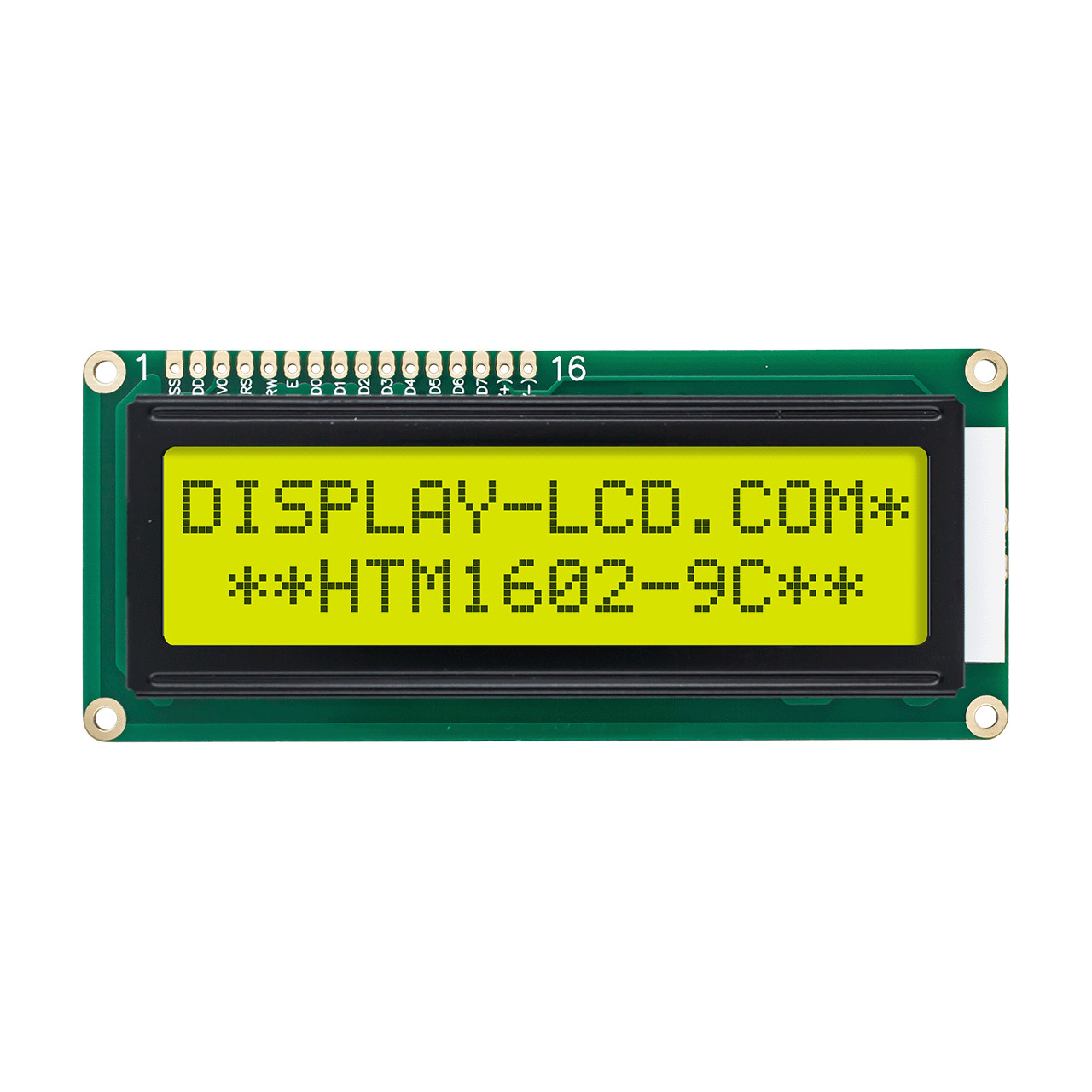
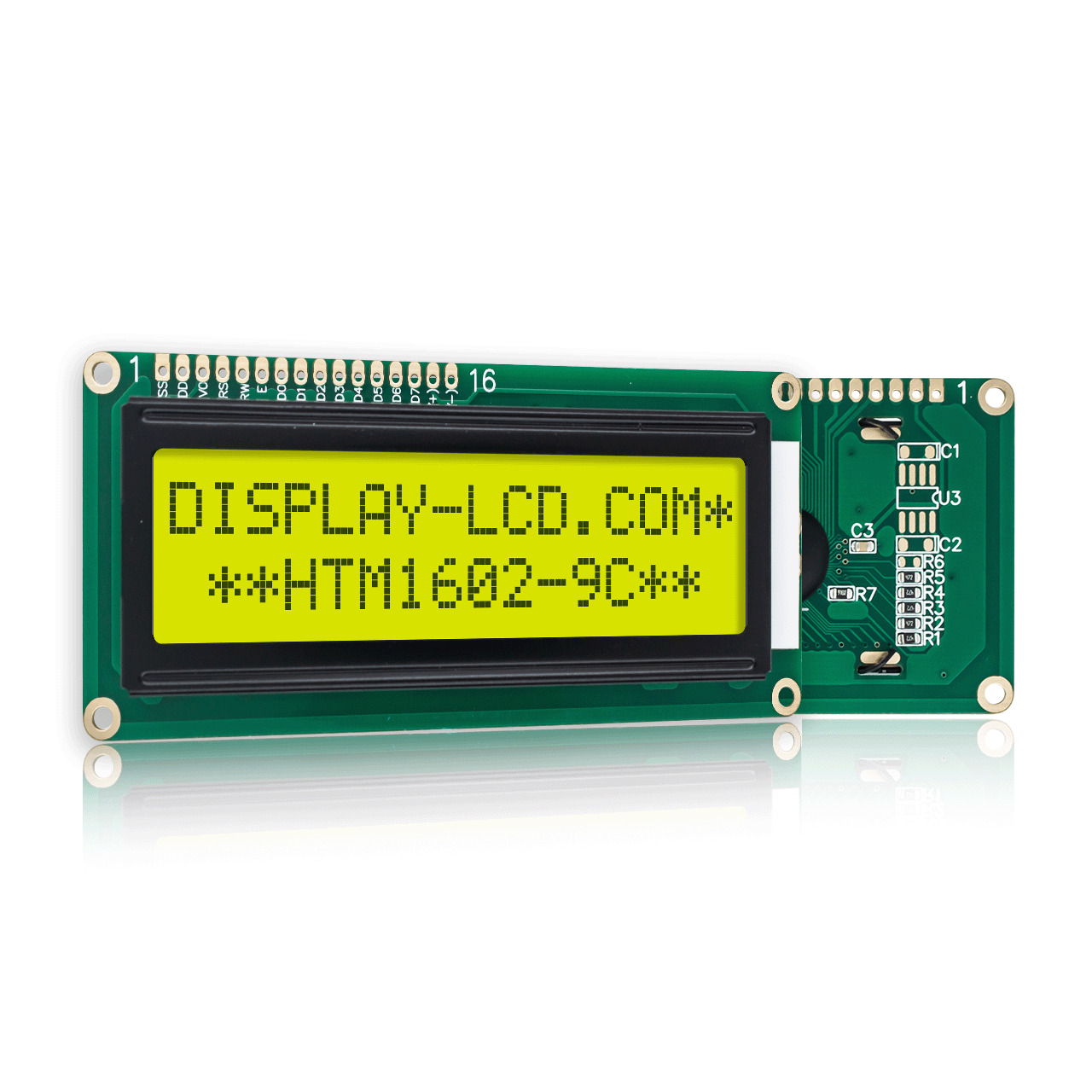
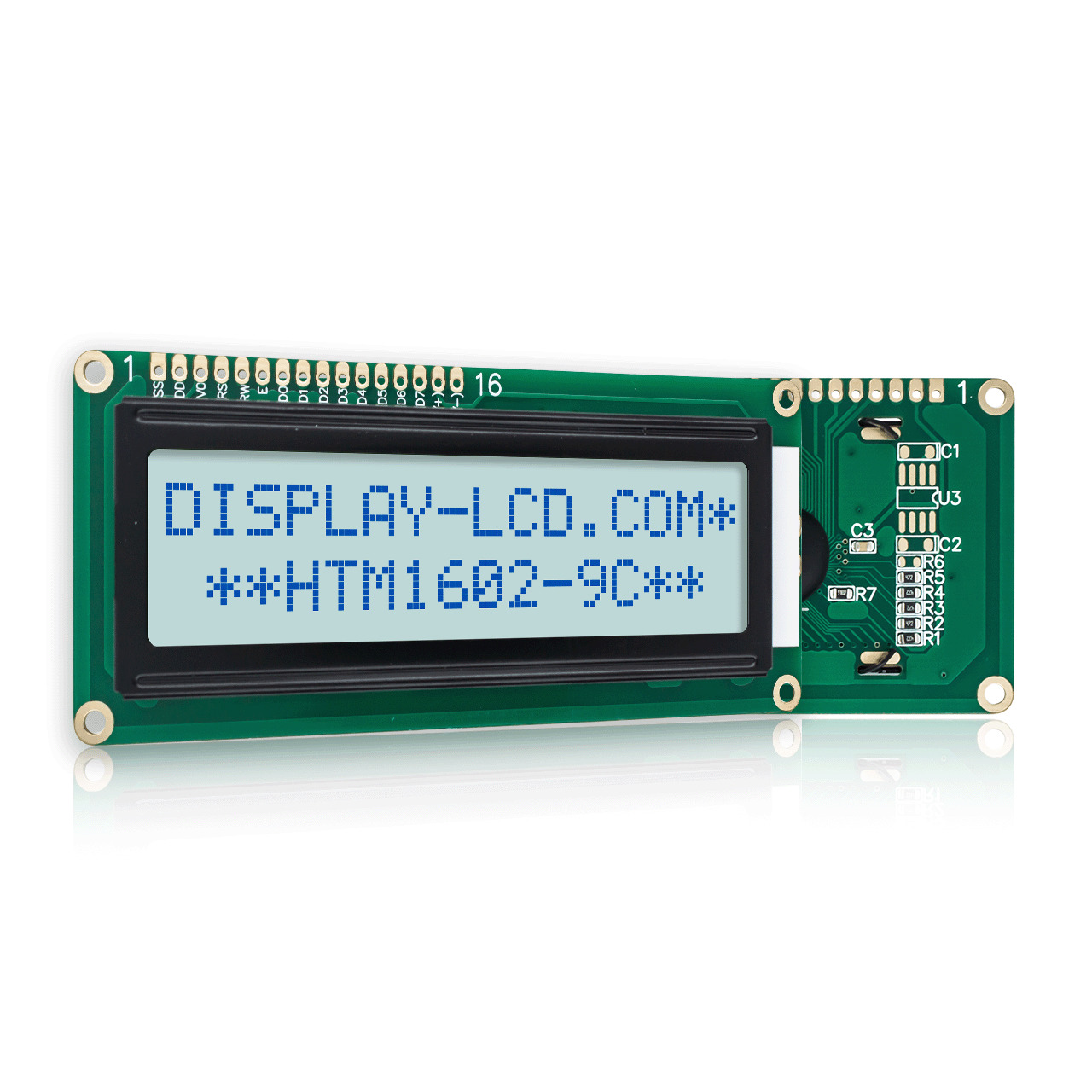
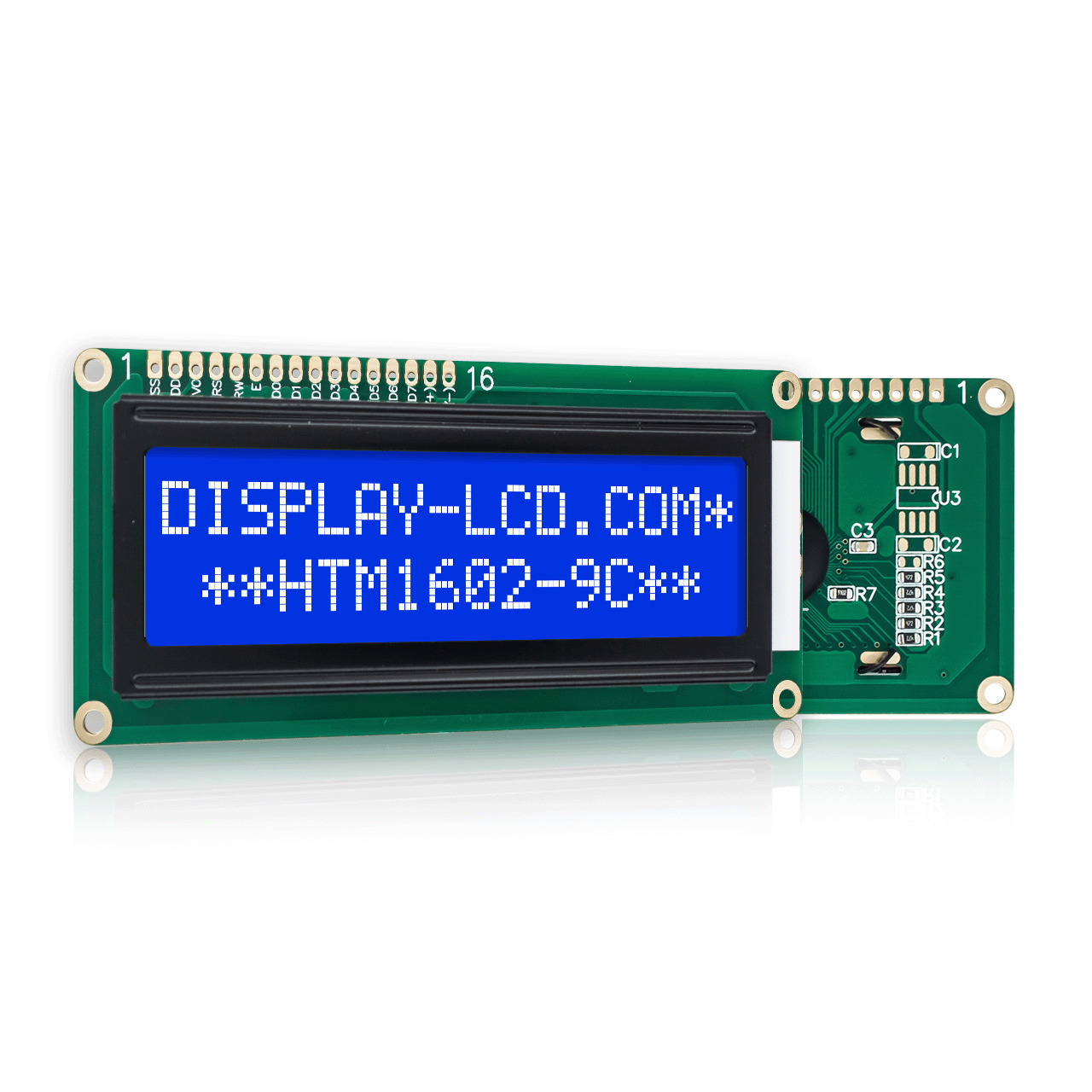
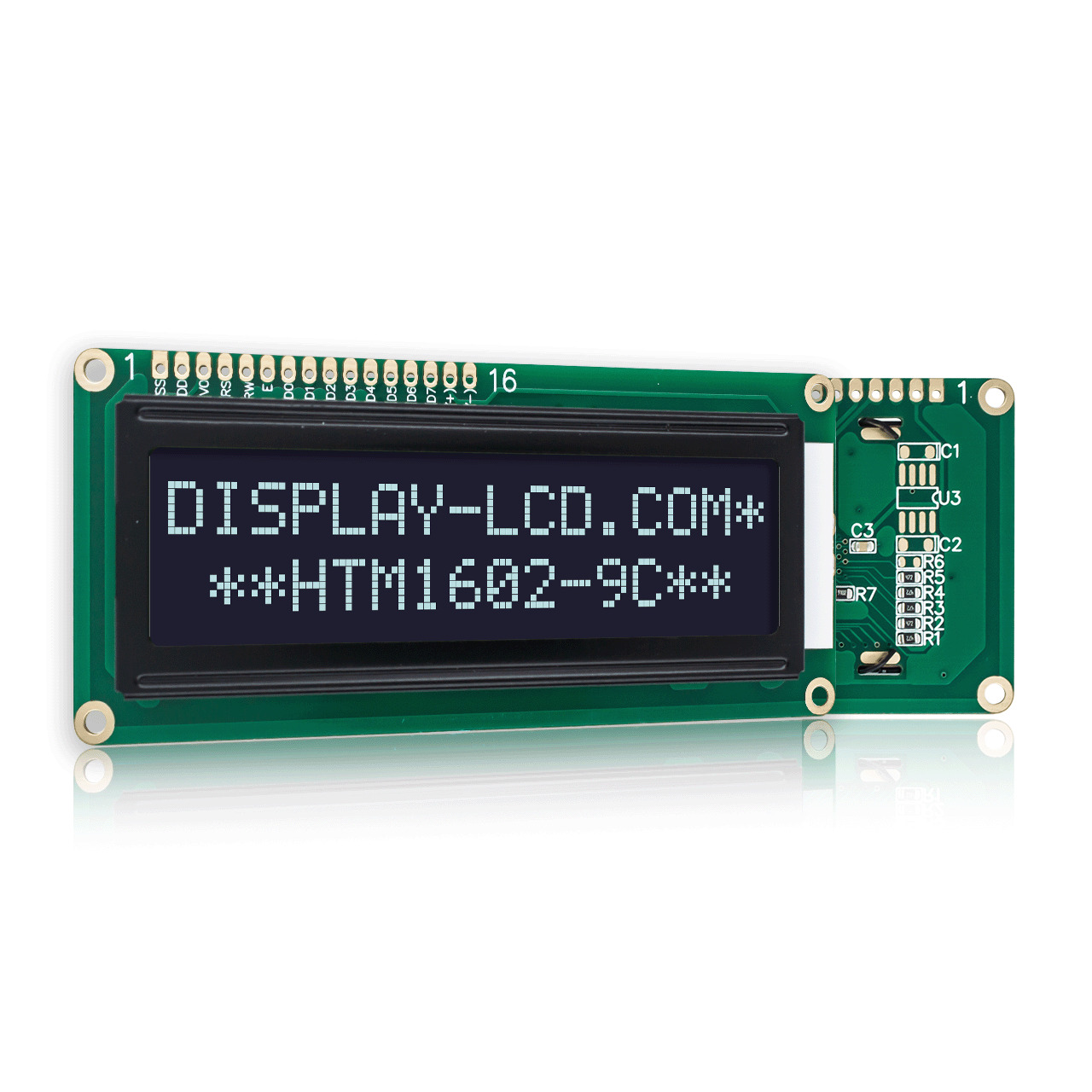
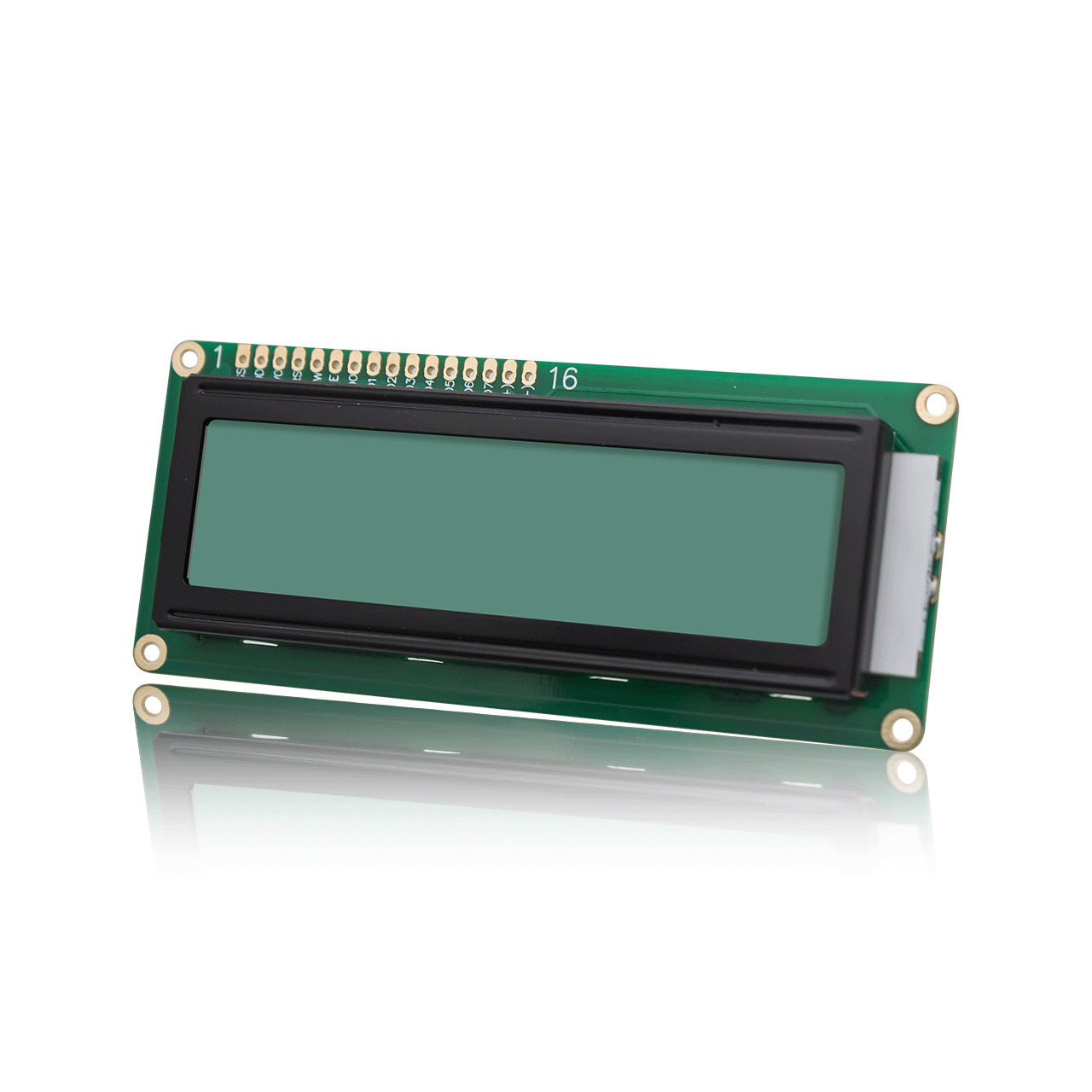
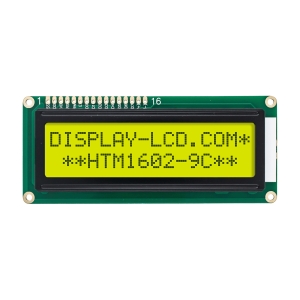
A 16 by 2 LCD Display is an industrial-grade character-type liquid crystal display module. As the name suggests, it can display 2 lines of content simultaneously, with each line accommodating 16 characters, including letters, numbers, and common symbols.
This specific model is driven by the classic ST7066U controller (compatible with HD44780) and utilizes STN-YG (Yellow-Green) positive display technology with a transflective design. This ensures a clear reading experience in both bright outdoor sunlight and dark environments via the integrated backlight.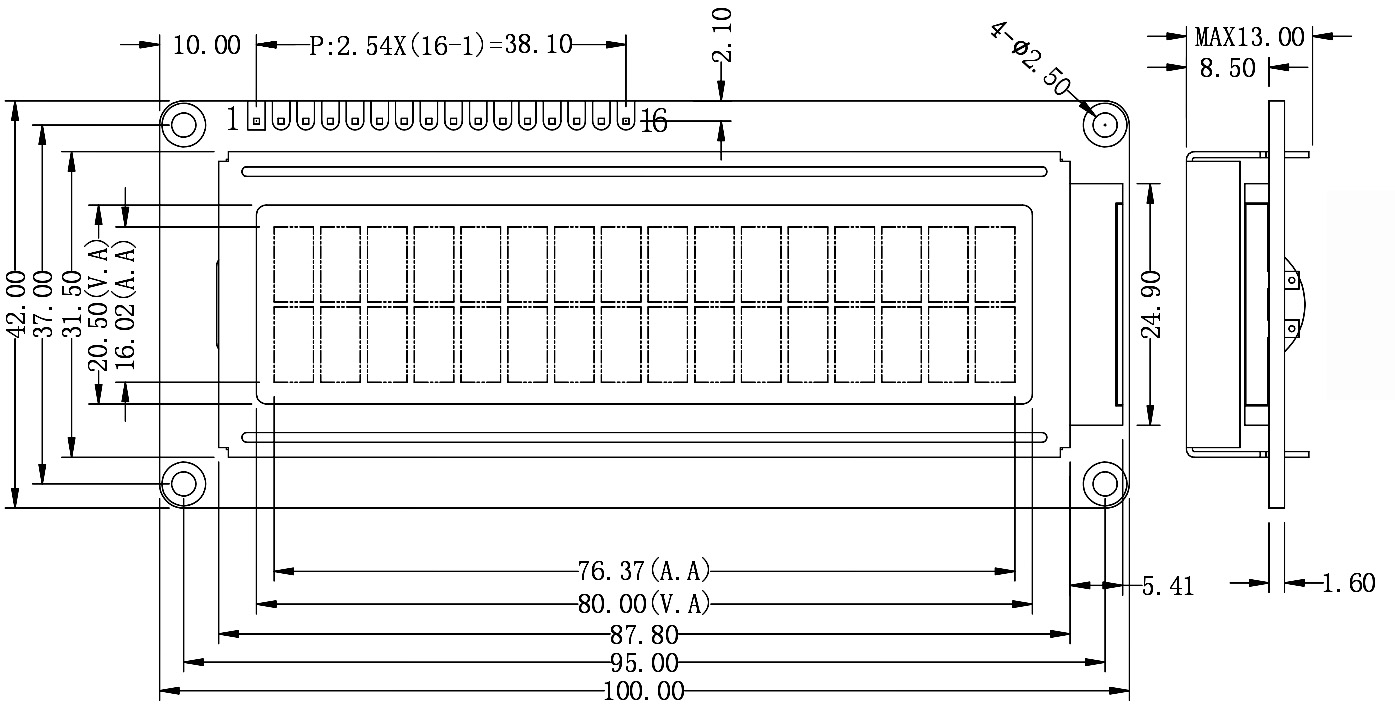
Key Features: Why Choose This 1602 LCD?
Excellent Readability and Contrast:
Designed with a 12:00 viewing direction (12H) and adjustable contrast via the VO pin, this 16 by 2 LCD Display ensures sharp text visibility from various angles.
Industrial Durability:
The module supports a wide operating temperature range (-20°C to 70°C), making it suitable for harsh industrial sites, power cabinets, or handheld outdoor devices.
Low Development Barrier:
As an industry-standard component, it is perfectly compatible with mainstream platforms like Arduino, Raspberry Pi, and STM32. With extensive library support, developers can implement scrolling text and dynamic refreshes with just a few lines of code.
Low Power Consumption:
The logic circuit consumes minimal power when the backlight is off, making it ideal for battery-powered portable electronic projects.
Compliance:
The entire product line is RoHS compliant, meeting international environmental and export standards.
Wide Range of Applications
The 16 by 2 LCD Display is used in nearly every sector requiring a simple human-machine interface:
- Instrumentation: Digital multimeters, thermometers, and frequency counters.
- Smart Home: Thermostat panels, water dispenser status indicators, and home alarm systems.
- Industrial Control: PLC status monitoring, inverter parameter settings, and automated counting systems.
- Office Equipment: Printer menu bars, fax machine status, and time clock machines.
- DIY Electronics: The top choice for beginners learning parallel communication and I2C protocols.
Technical FAQ: Understanding Your 16 by 2 LCD Display
Q1: Does this 16 by 2 LCD Display support 3.3V systems like ESP32 or Raspberry Pi Pico?
A: The standard operating voltage (VDD) for this module is 5V. To use it with 3.3V systems, a logic level converter is recommended. If powered by 3.3V directly, the display contrast may be too faint without an additional negative voltage circuit for the VO pin.
Q2: How do I adjust the screen contrast? Why does my screen only show a row of blocks?
A: This is a common setup issue. You need to connect a 10k ohm potentiometer to Pin 3 (VO). Connect the wiper to VO, and the other two ends to VSS (GND) and VDD (5V). If the screen shows dark blocks or nothing at all, it usually means the VO voltage needs adjustment.
Q3: Does it support I2C communication instead of the 16-pin parallel interface?
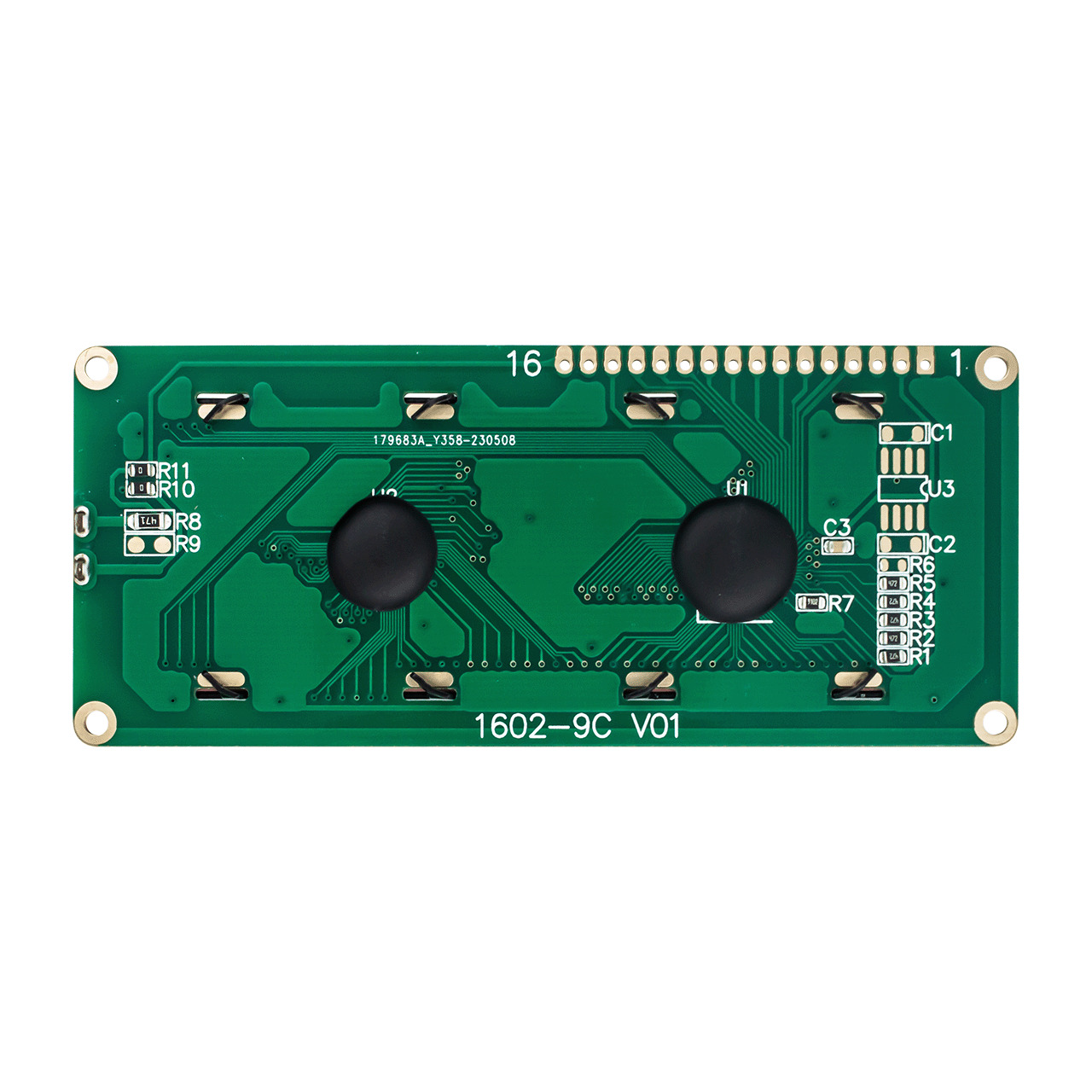
A: The native interface is parallel (8-bit or 4-bit). However, you can use a PCF8574 I2C adapter board. Once soldered, you can drive the 16 by 2 LCD Display using only two signal wires (SDA/SCL), saving valuable MCU pins.
Q4: What is the function of Pin 15 (BLK) and Pin 16 (BLA)?
A: These pins control the backlight. Pin 16 (BLA) is the Anode (connect to 5V with a current-limiting resistor), and Pin 15 (BLK) is the Cathode (connect to Ground). You can also use a PWM signal on the BLA pin to adjust the backlight brightness dynamically.
Q5: What does the 12H viewing direction mean in the datasheet?
A: 12H means the optimal viewing angle is from the 12 o’clock position (above the screen). If your device is installed at a higher position where users look up at it, a 6H version might be more appropriate.