-300x300.jpg)
Description
Product Introduction
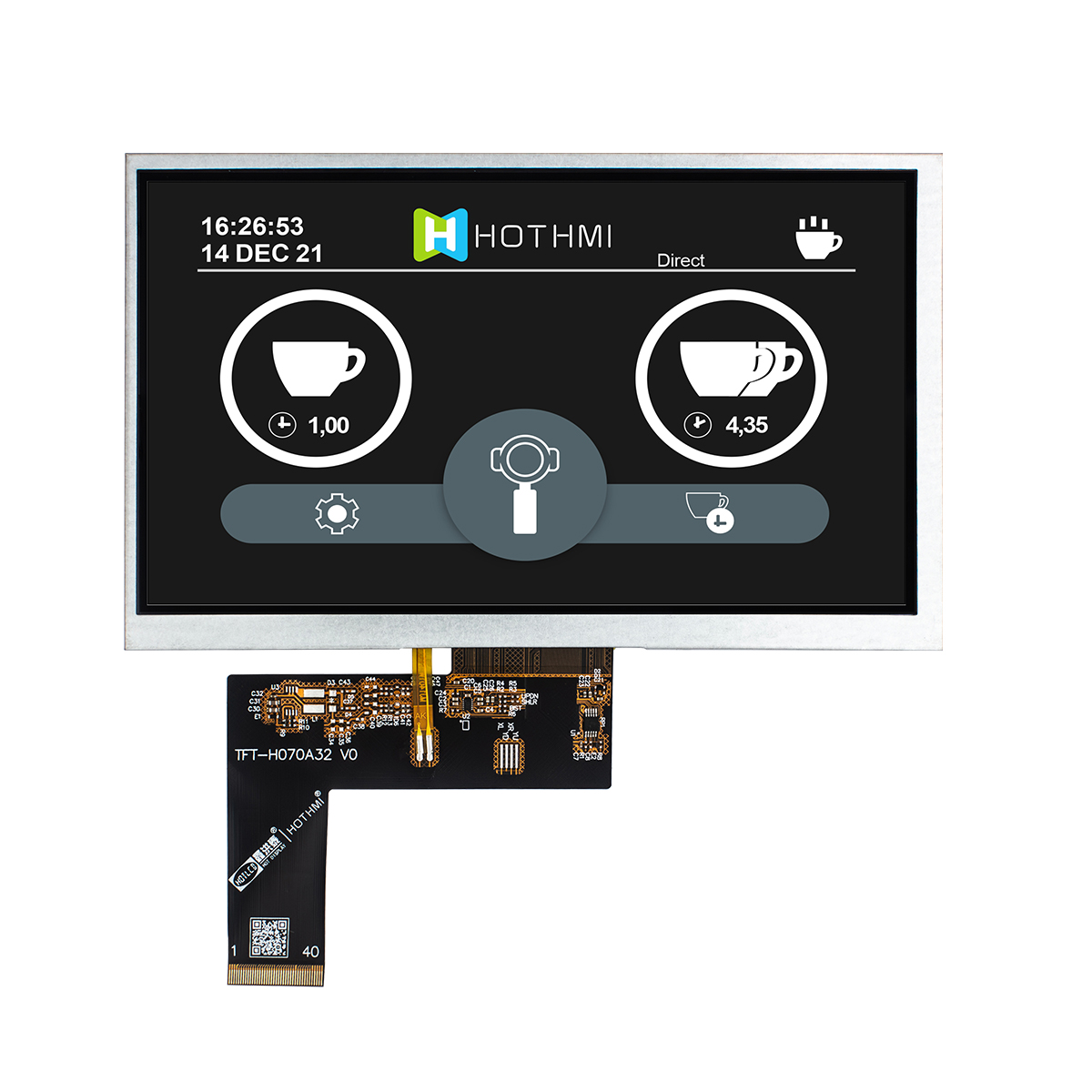
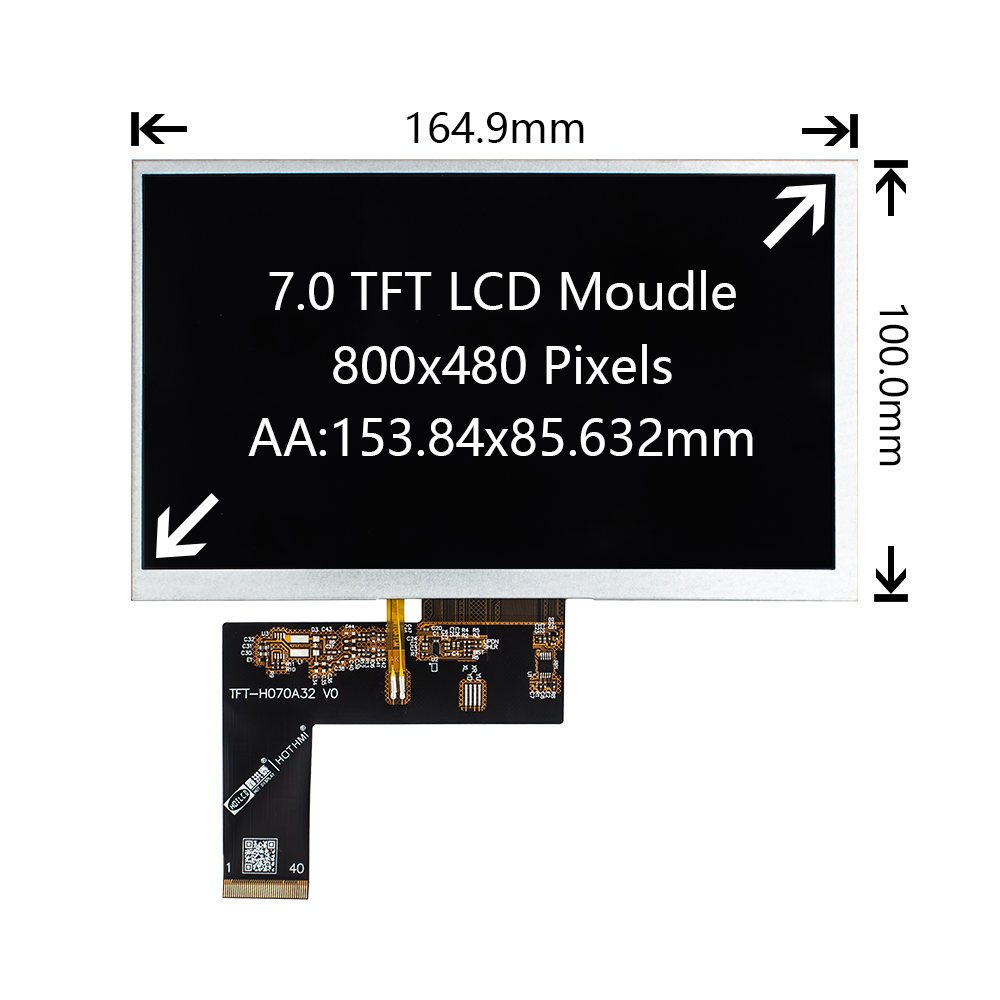
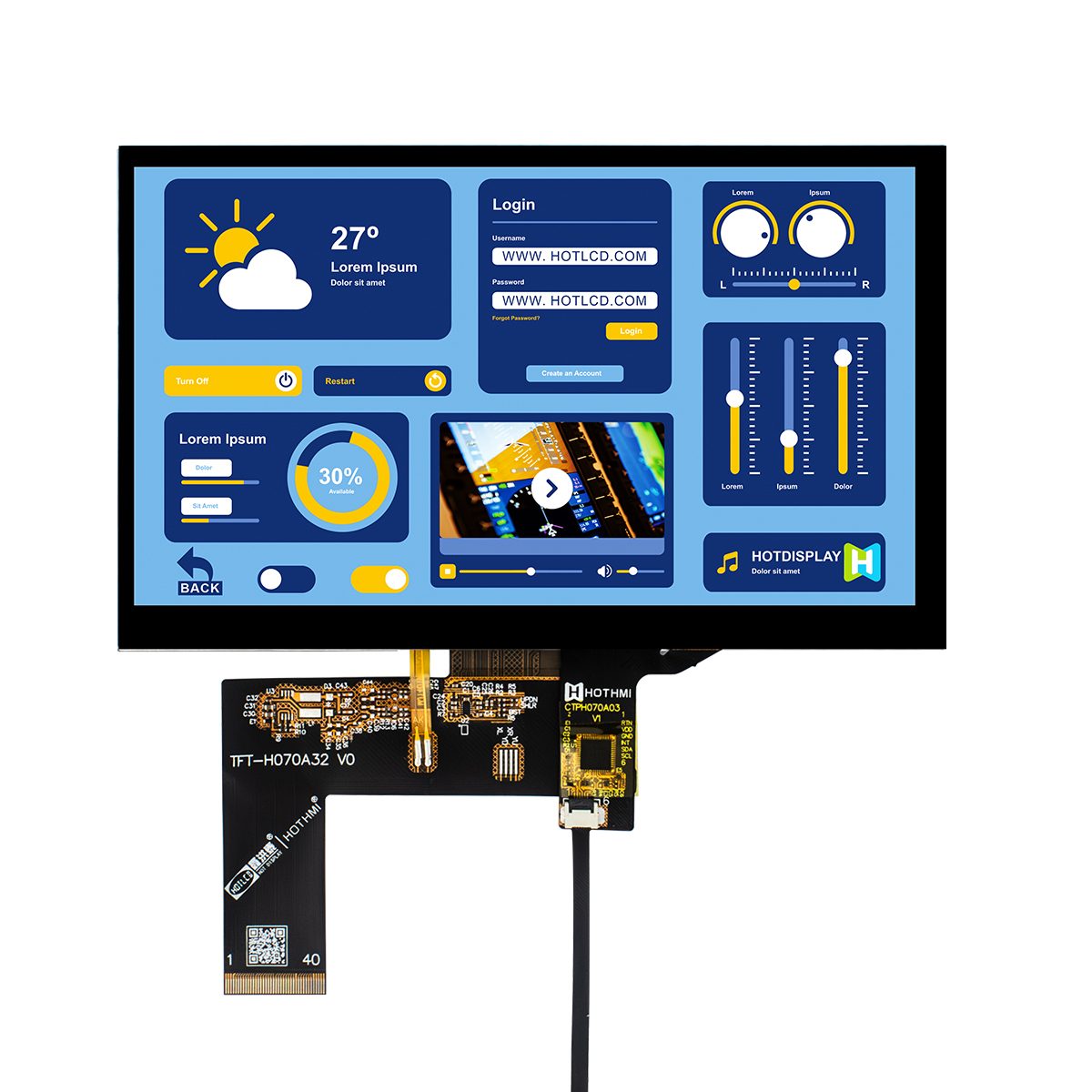
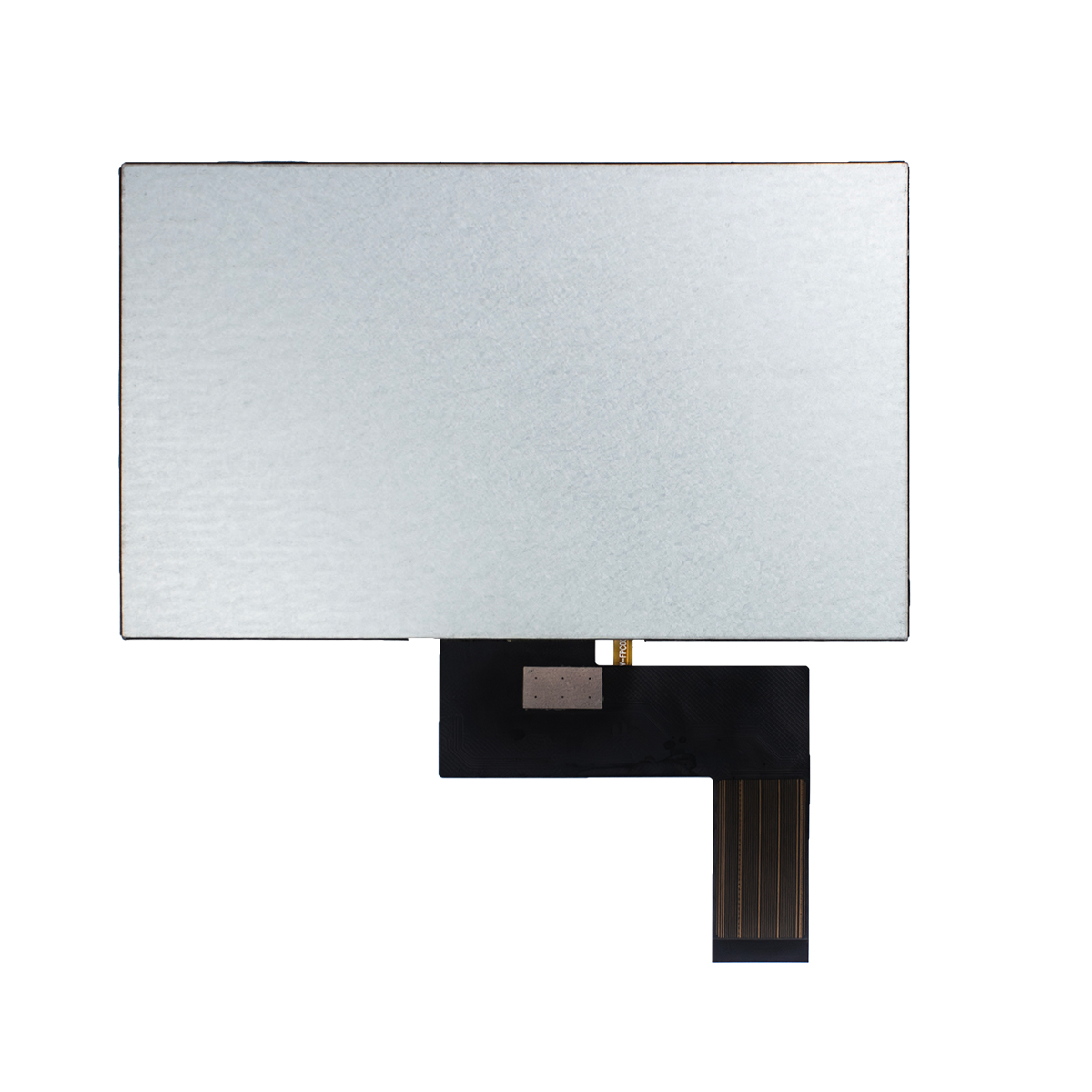
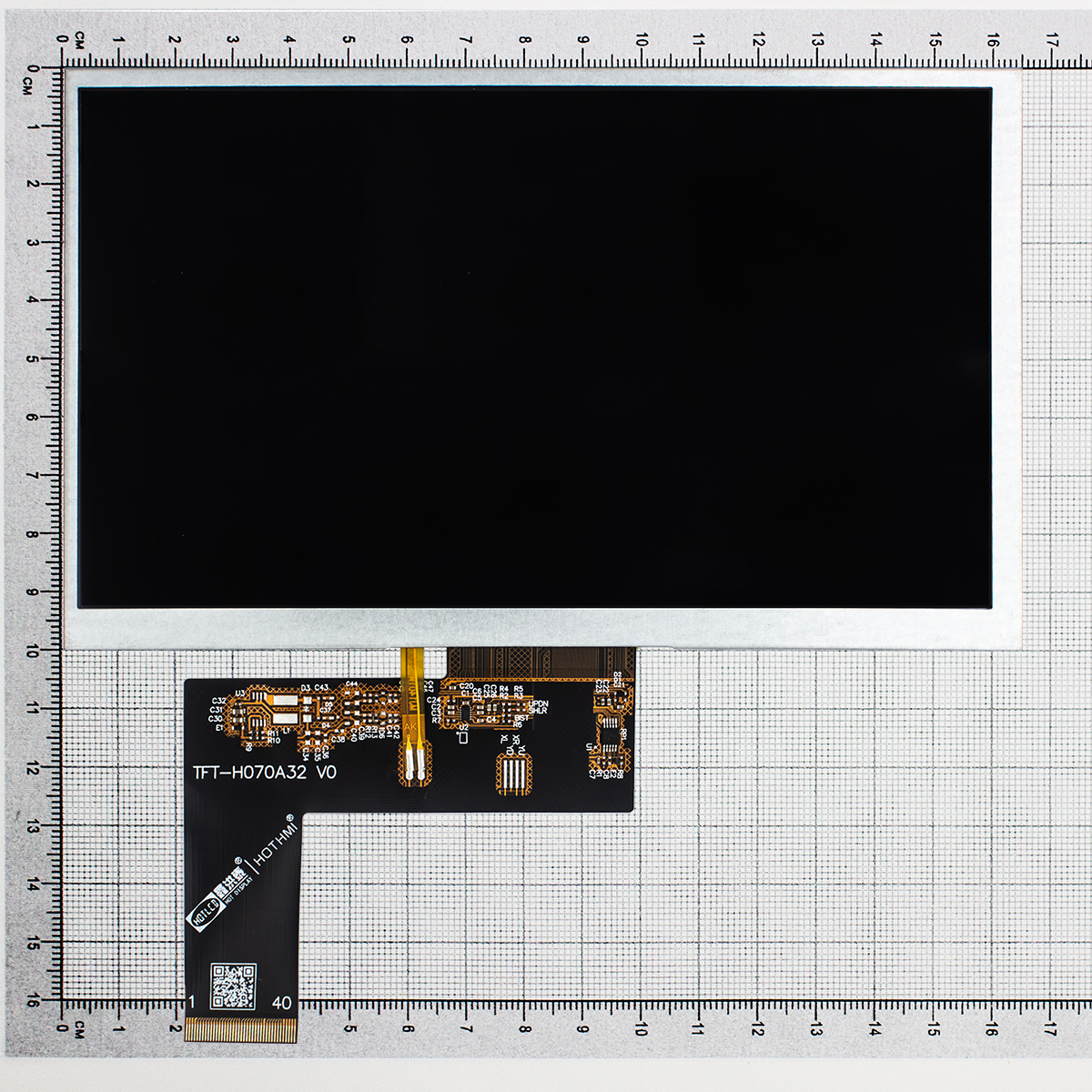
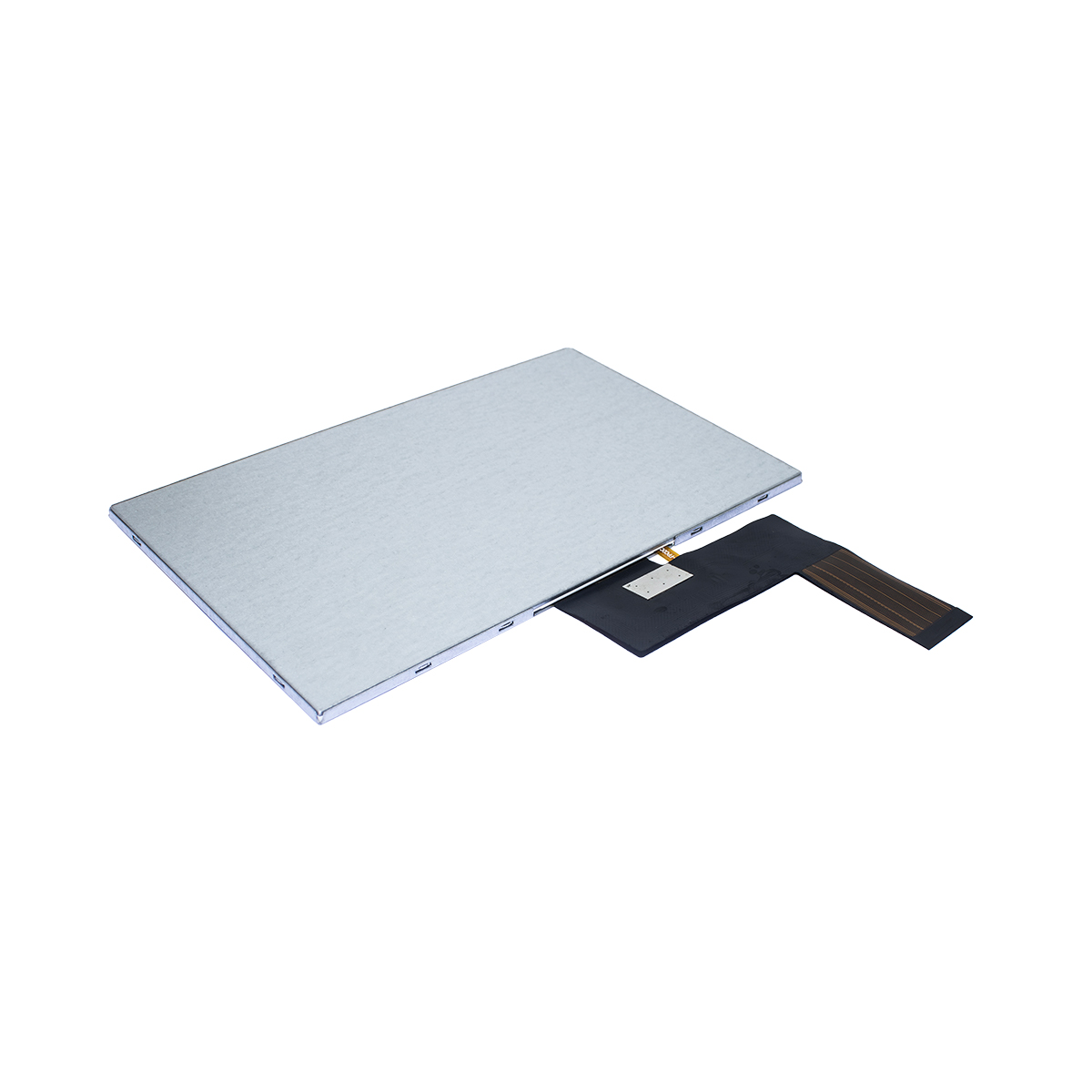
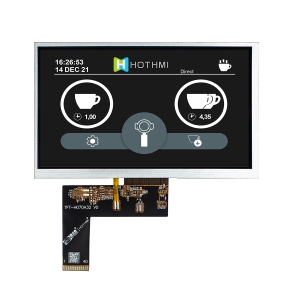
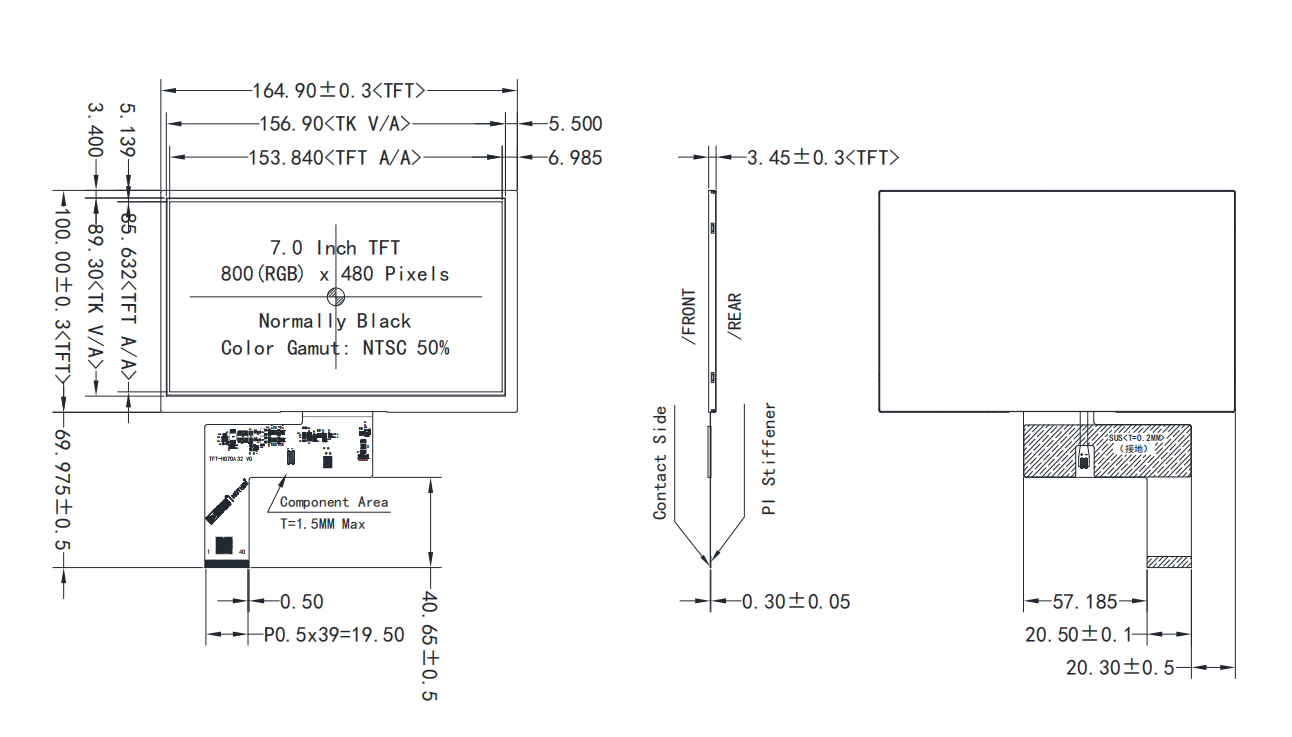
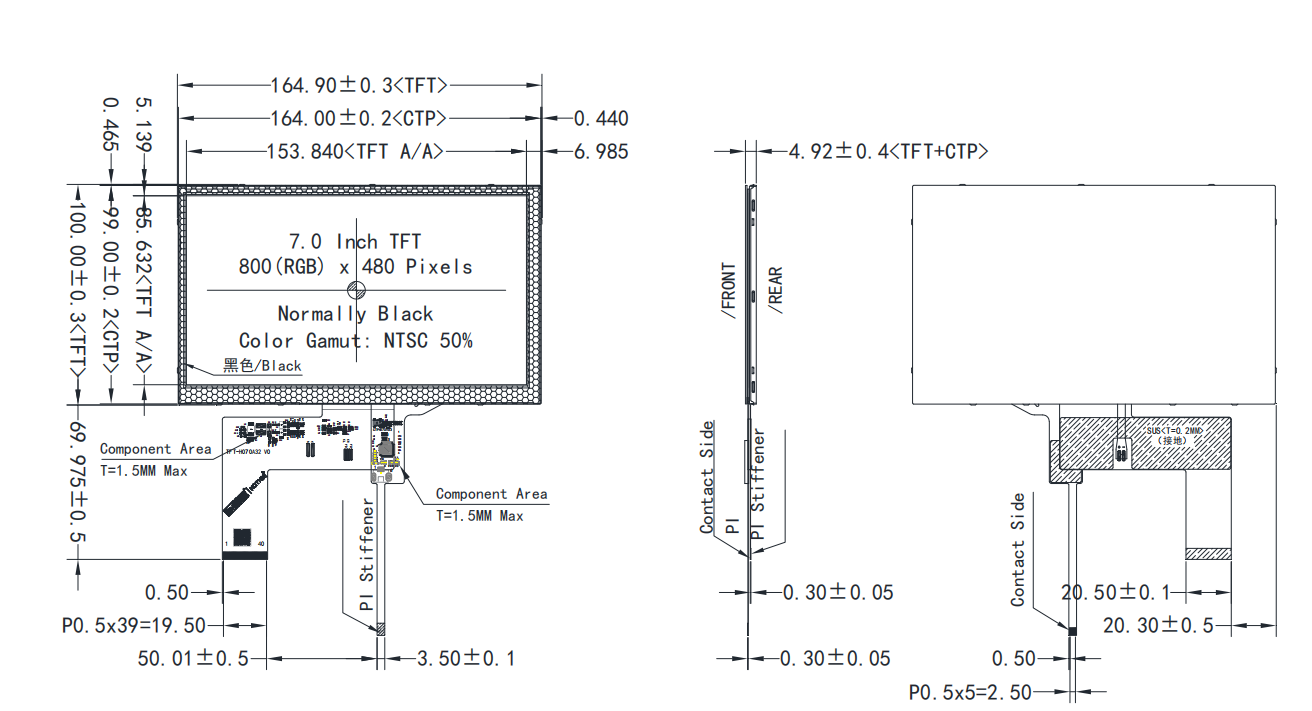
This is a 7 inch Display with a resolution of 800×480 pixels and an effective display area of 153.840mm (H) × 85.632mm (V). The TFT module dimensions are 164.90mm (H) × 100.00mm (V) × 3.45mm (D), and 164.90mm (H) × 100.00mm (V) × 4.92mm (D) when paired with a capacitive touchscreen (CTP). It uses a 24-bit parallel RGB interface, and the capacitive touchscreen driver chip is GT911.
7 inch Display Product Highlights & Features
- Vibrant Visuals: High-resolution 7 inch LCD screen with up to 16.7M display colors.
- Superior Brightness: Optimized backlight design ensures high visibility even in bright environments.
- Touch Flexibility: Available in standard display, 7 inch capacitive touch screen, or resistive touch options.
- Industrial Durability: Built with industrial-grade components to withstand wide temperature fluctuations (-20°C to +70°C).
- Wide Compatibility: Seamlessly pairs with MCU, Linux, and Windows-based embedded systems.
- Low Power Consumption: Advanced LED driving technology minimizes power drain for portable applications.
Pin Description & Interface Configuration
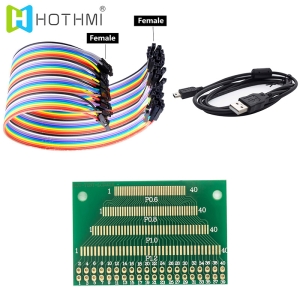
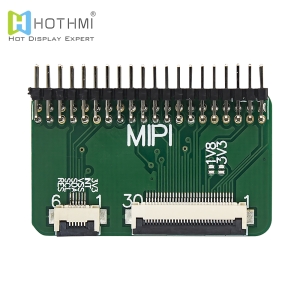
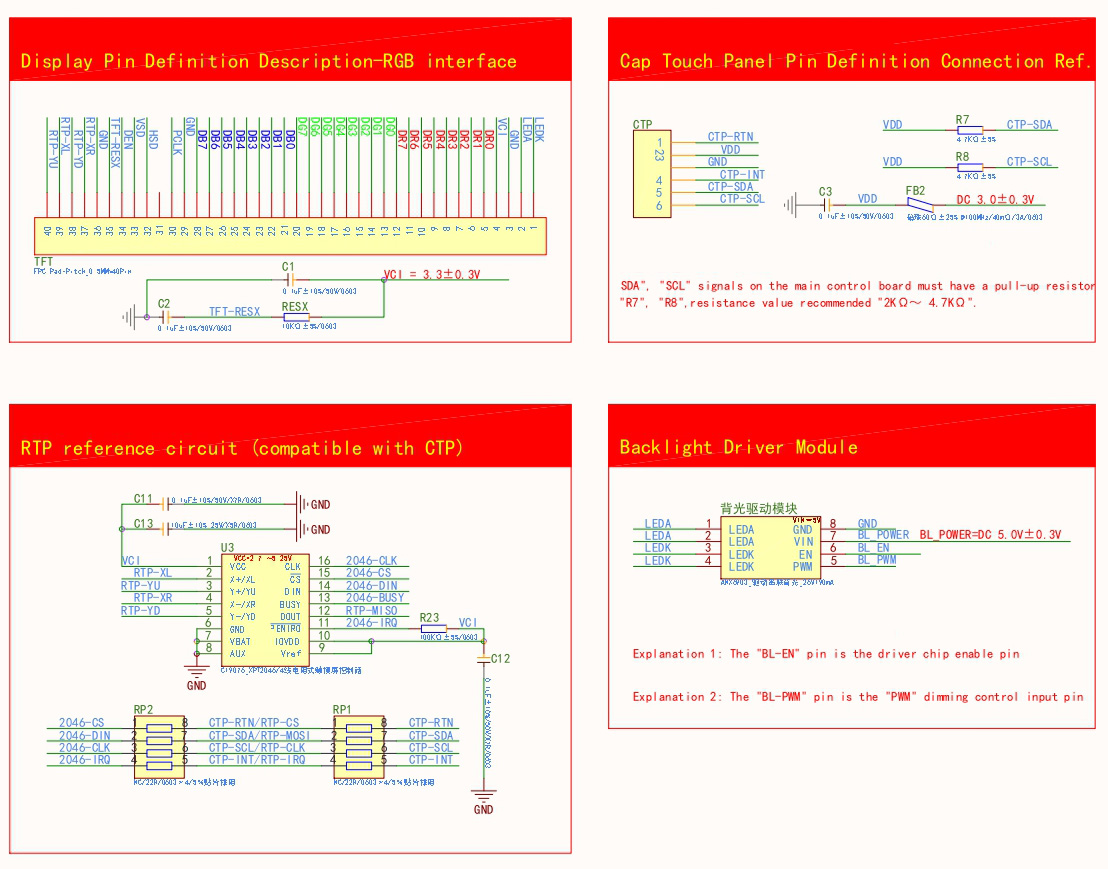
This 7 inch Display utilizes a standard 40-pin or 50-pin FPC interface (commonly RGB 24-bit interface). Below is the detailed pinout configuration for the standard 40-pin RGB interface version, which is critical for hardware debugging and PCB layout design.

Circuit Diagram & Hardware Schematic Reference
When integrating the 7 inch display module into your custom carrier board, proper power sequencing and signal integrity are vital. Below is a structural breakdown of the recommended schematic layout:
- Power Supply Circuit (VDD & VGH/VGL)
The digital logic requires a stable 3.3V VDD supply. Filter capacitors (10uF and 0.1uF) must be placed as close to the FPC connector pins as possible to eliminate high-frequency noise. For the TFT glass panel activation, analog voltages like VGH (Gate High, ~15V) and VGL (Gate Low, ~-7V) are required, usually generated via a dedicated PMIC (e.g., RT9921) on the driver board.
- RGB Data Bus Routing
- The 24-bit RGB signal lines (R0-R7, G0-G7, B0-B7) and the DCLK (Clock) line operate at high speeds.
- Impedance Matching: Route the data tracks with a single-ended impedance of 50 Ohms.
- Length Matching: Keep the length mismatch between DCLK and data lines under 200 mils to prevent ghosting or pixel shifting.
- EMI Reduction: Place inline series damping resistors (22 or 33 Ohms) near the host processor side.
Backlight Unit & Driver Circuitry
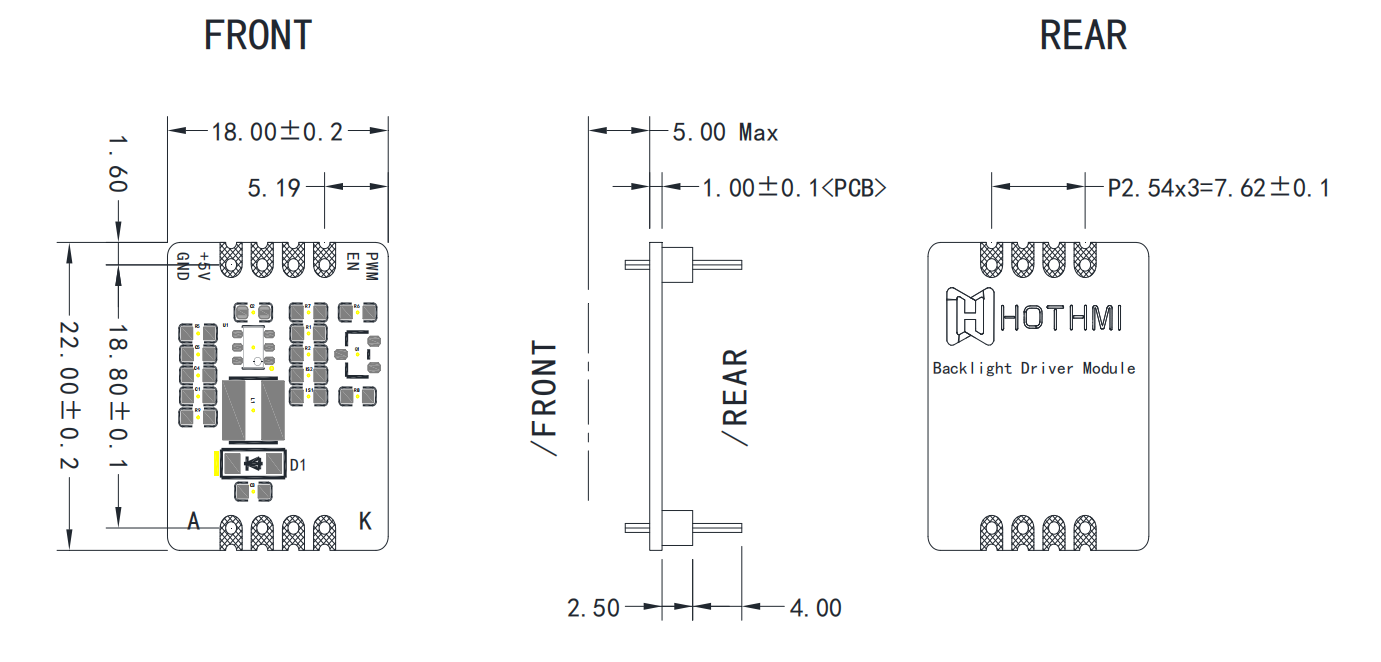
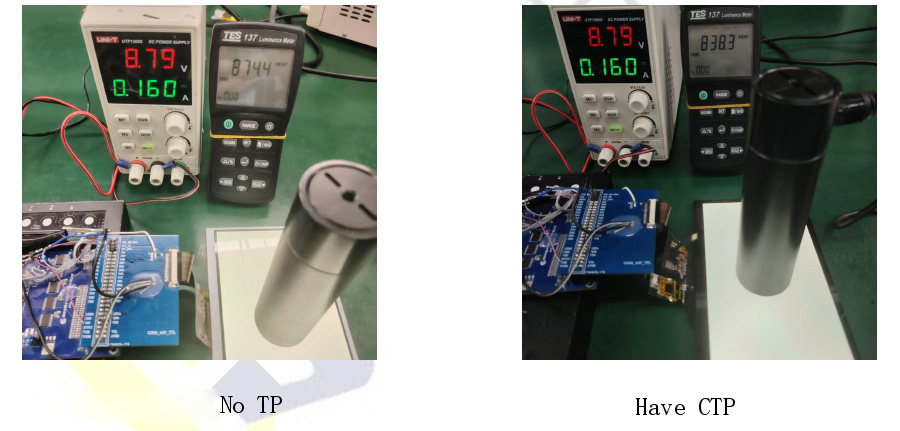
The backlight unit (BLU) of this 7 inch display consists of high-efficiency white LEDs configured in a series-parallel matrix (typically 3S7P or 3S6P, meaning 3 LEDs in series, 6 or 7 rows in parallel).
Target Applications
Thanks to its versatile form factor and high durability, our 7 inch display panel is widely adopted across numerous industries:
- Smart Home & IoT Automation: Central control panels, smart thermostats, video intercom systems, and home security monitors.
- Industrial HMI Panels: CNC machine interfaces, programmable logic controller (PLC) display units, and environmental monitoring systems.
- Medical Equipment: Patient monitoring devices, diagnostic imaging screens, and portable laboratory testing equipment panels.
- Automotive & Transportation: Car infotainment systems, GPS navigation units, marine instrument clusters, and EV charging station displays.
- Retail & POS Terminals: Electronic cash registers, self-service kiosks, digital signage, and vending machine interfaces.
FAQ – Frequently Asked Questions
Q1: How do I choose between a capacitive and a resistive 7 inch touchscreen display for an industrial project?
A1: The choice depends entirely on your operational environment. A 7 inch capacitive touch screen supports multi-touch gestures (like pinching and swiping) and offers excellent optical clarity because it uses a glass-on-glass structure. However, it requires skin contact or specialized conductive gloves. On the other hand, a 7 inch resistive touch screen responds to pressure, meaning operators can use heavy industrial gloves, pens, or styluses. For harsh, wet, or high-EMI industrial settings, resistive touch is often preferred for its false-trigger immunity, while consumer-facing apps prefer capacitive touch.
Q2: Why is my 7 inch Display screen flickering or showing horizontal noise lines, and how do I fix it?
A2: Display flickering or noise is usually caused by two main hardware issues: unstable power supply or poor signal integrity. First, verify that the VDD (3.3V) supply line does not drop voltage when the screen initializes; add larger decoupling capacitors if needed. Second, inspect the DCLK (Dot Clock) signal track. If the FPC cable is too long or unshielded, it will pick up cross-talk. Ensure that your RGB signal lines are length-matched and keep the FPC ribbon cable away from high-power components like the backlight boost converter circuit.
Q3: Can this 7 inch display module be read directly under outdoor sunlight?
A3: A standard 7 inch display features a brightness level of around 300 to 400 nits, which is perfectly suited for indoor use but may appear washed out under direct outdoor sunlight. For true outdoor applications, you need a sunlight-readable 7 inch display. We offer customized versions with high-brightness backlights (up to 1000 or 1500 nits) combined with anti-reflective (AR) or anti-glare (AG) surface treatments. This prevents ambient light saturation and maintains crisp readability outside.